


Some Heading
Storage space allotted for each mailbox that is created.


.webp)
.webp)

ビジネス用メールアドレスを使うと、顧客に選ばれる確率が9倍になります。ブランドの信頼性を高め、オンラインでの存在感を強化します。

成長するビジネスに十分な容量を提供し、ストレージ不足を気にする必要はありません。

Neoの優れたIP評価により、メールは常に相手に確実に届きます。

Neo専任のサポートスタッフが24時間体制で対応します。

で50%の追加割引をゲット オフ 50
で50%の追加割引をゲット オフ 50
で50%の追加割引をゲット オフ 50

メールボックスあたりのストレージ容量
デスクトップウェブ上のネオメール

他のメールアプリで Neo のメールを確認する
他のメールアプリで Neo のメールを確認する
見栄えの良いパーソナライズされたメールを複数の受信者に一度に送信し、受信者リストは自分だけのものにしてください。また、メールを開封したユーザーを追跡することもできます。
独自の会議リンクを作成して、クライアント、顧客、チームメンバーが予定表で時間を見つけてシームレスに会議をスケジュールできるようにします。
ロゴ、リンク、HTML コードを使用して署名を作成
ロゴ、リンク、HTML コードを使用して署名を作成
ロゴ、リンク、HTML コードを使用して署名を作成
Neo AI により、どんな要件にも対応する、すぐに使えるメールドラフトを数秒で入手できます。コールドメール、売り込み、交渉、問い合わせへの回答がすべて処理されました!
Get ready-to-use email drafts in seconds for any requirement, powered by Neo AI. All your cold emails, pitches, negotiations, and responses to enquiries are now taken care of!
送信したメールを誰かがいつ開封したかを知る
優先度としてマークした送信者からのメールのみを表示する
送信したメールを誰かがいつ開封したかを知る
メールを保存して繰り返し再利用できます。あらかじめ書かれたメールを含むテンプレートライブラリが含まれています。
Neo AI により、どんな要件にも対応する、すぐに使えるメールドラフトを数秒で入手できます。コールドメール、売り込み、交渉、問い合わせへの回答がすべて処理されました!
頻繁にメールを送信する受信者のグループを作成して、同時に連絡を取ることができます
メールを後で送信するようにスケジュールする
メールの送信を取り消してエラーを修正したり、ファイルを追加したりする
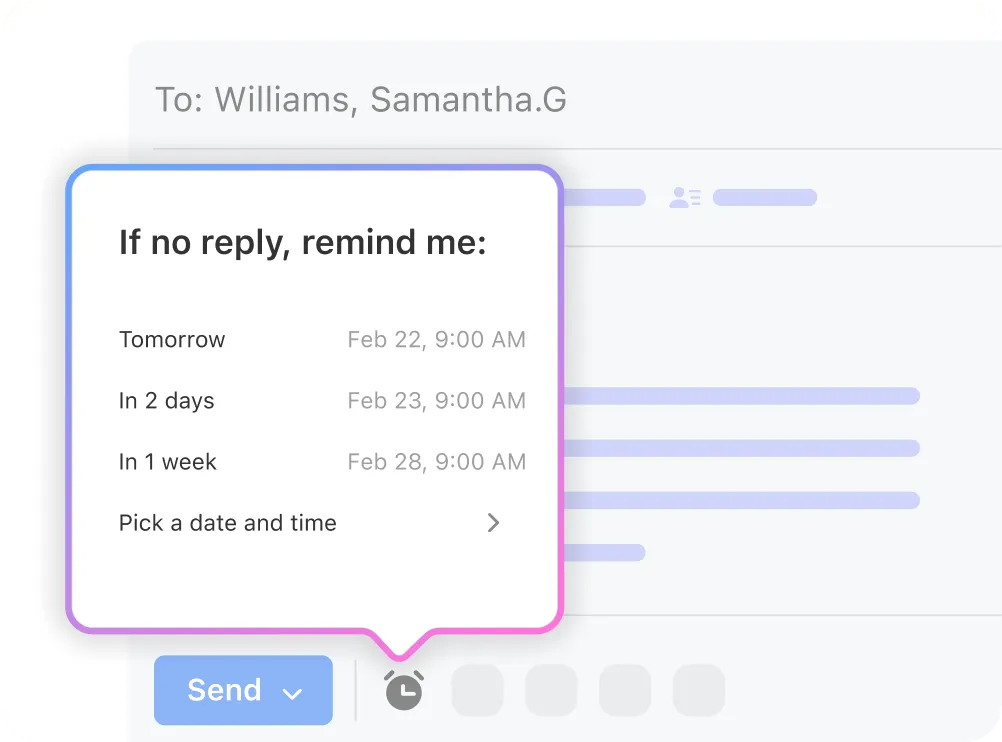
重要なメールのフォローアップを促すリマインダーを受け取る
カスタム HTML コードを使用して、より視覚的に魅力的なメールを作成する
送信者をブロックしてメールボックスに表示されないようにする
特定の送信者またはドメインを許可リストに追加して、そのメールが迷惑メールではなく受信トレイに届くようにします
複数の Neo メールアカウントに同時にログインする
Gmail アカウントを追加して新しいメールを受け取る
ドメイン内の無効なメールアドレスにメールを送信するためのメールボックス
メールアドレスのエイリアスを使って、セールスやサポートなどのメールを分離します。受信したメールを転送するだけです。
エイリアスIDを使用してメールを送信し、メインのメールアドレスを非表示にしておく
受信メールをNEO以外のメールアドレスに転送する
Google 認証システムなどを使用してメールアカウントのセキュリティを強化する
ウイルス、マルウェア、フィッシング攻撃、その他のチェックによる送受信メールの保護の強化
迷惑な迷惑メールを受信箱に入れないようにするための対策
ドメインのデジタル署名を作成して、自分が正当で検証済みの送信者であることを受信者に知らせることで、メール送信の配信を改善できます
受信メールをフォルダなどに移動するルールを作成して、受信メールを自動的に整理します
不在中は、すぐには連絡が取れないことを相手に自動的に通知する
カレンダーをチームや外部の連絡先と共有する
古いメールと連絡先を Neo にインポートする
Neoでビジネス用メールアドレスを設定するのは迅速かつ簡単です。役割別のメールアドレスを使い分けると、より専門的な印象を与え、受信トレイを整理できます。
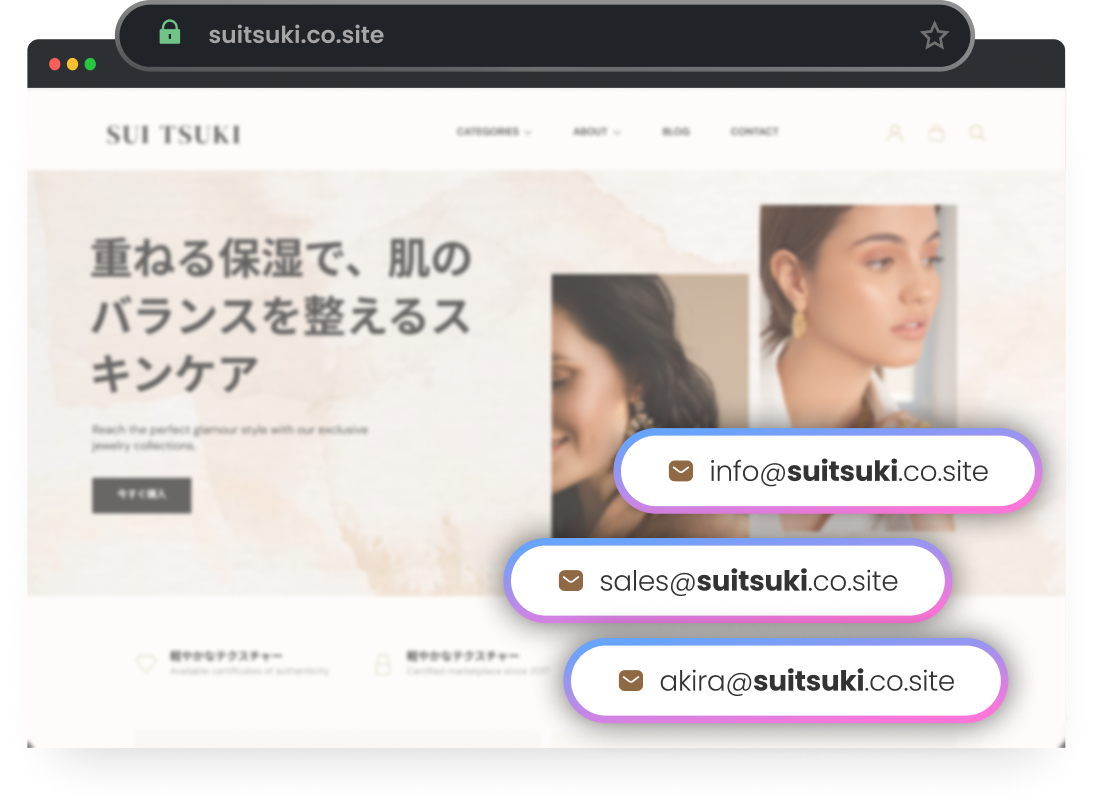
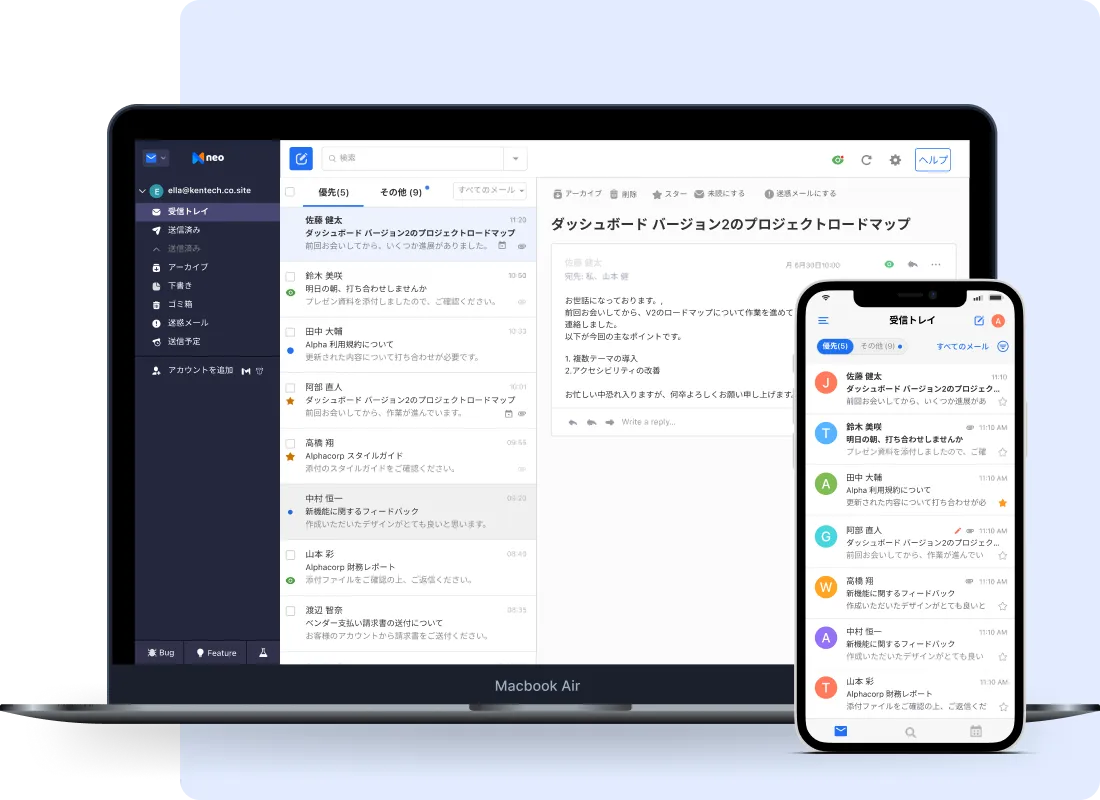
ビジネスは止まりません。だからこそコミュニケーションも止めるべきではありません!デスクトップやモバイル端末でNeoを設定し、常に接続した状態を維持しましょう。
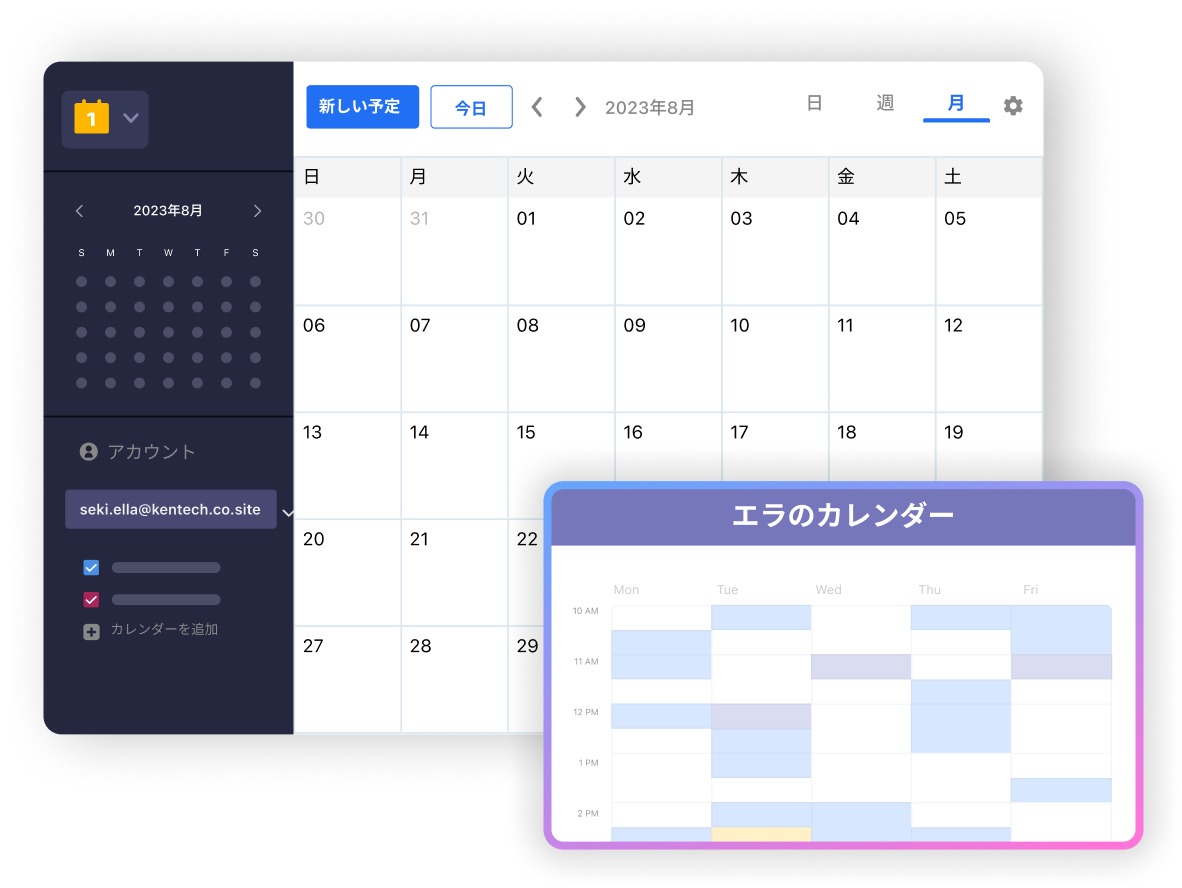
カレンダーを連絡先と共有して予定を管理できます。また、他のカレンダーアプリからイベントを取り込むことも可能です。
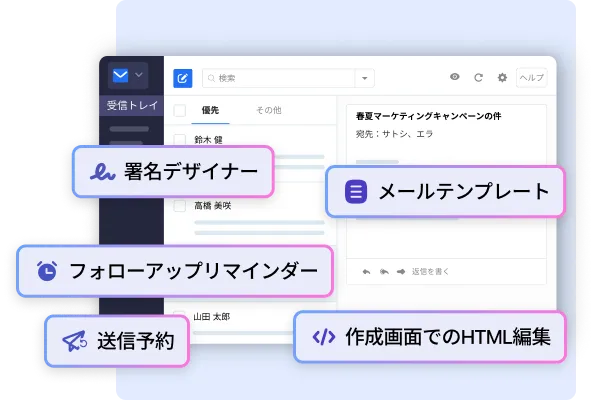
Neoはビジネスを成長させる最高クラスの機能が充実しています。プラットフォームは簡単に始められるように設計されており、強力なツール群で顧客へのリーチをより効率的にします。
Neoの機能を見る »
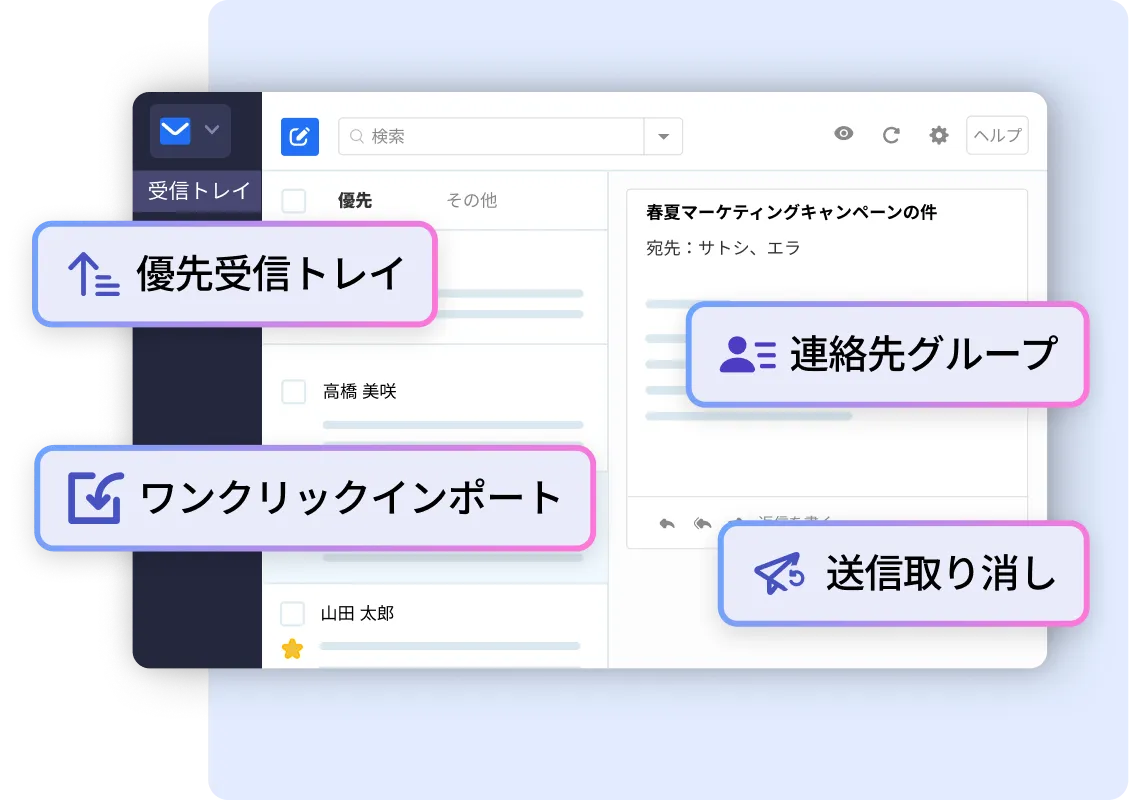

データは保存時と転送時の両方で256ビット暗号化されています。
認証にもう一つの層を追加し、さらに安全性を高めます。
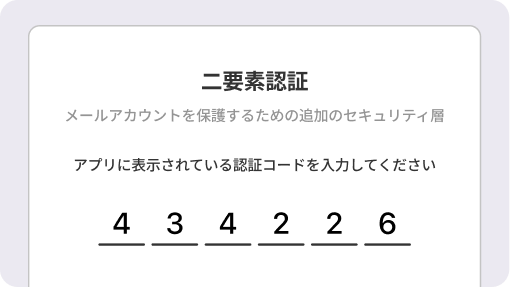

信頼性と稼働時間を重視して設計されています。
詐欺メールやスパムは一切許しません。

プロフェッショナルメール(ビジネス用メールやカスタムメールとも呼ばれます)とは、メールアドレスの「@」以降で自分のドメイン名を使用するメールアドレスです。これは、gmail.comのような汎用ドメインではなく、ビジネス用の独自ドメインを利用します。
Neoでは必要なだけメールアカウントを作成できます。従業員や部署、サービスごとに「@あなたのドメイン名」で終わる独自のビジネスメールアドレスを設定できます。
ビジネス用メールを利用するには、ドメイン(例: johnsmith.com、Dan.com)を所有している必要があります。
まだドメインをお持ちでない場合、ビジネスメール登録時にNeoから無料で.co.siteドメインを取得できます。例えば、会社名がPiper Millsの場合、Neoでpipermills.co.siteが利用可能か確認できます。その後、john@pipermills.co.siteやstephanie@pipermills.co.siteといったアカウントを作成してください。
さらに、オンラインでの存在感を強化するため、Neoの契約期間中は無料で1ページのウェブサイトを提供します。さらに、オンラインでの存在感を強化するため、Neoの契約期間中は無料で1ページのウェブサイトを提供します。
すでに使用したいドメインをお持ちの場合、そのドメインを使ってNeoでメールアドレスを取得できます。また既存のメールアカウントがあれば、機能が豊富で信頼性が高く効率的なNeoのメールプラットフォームに移行できます。
完全移行の前に、一定期間の無料トライアルをご利用いただけます。
はい。Neoにはメールデータを簡単に移行できるツールが内蔵されています。移行中に何か問題が発生しても、24時間体制の専任サポートスタッフが対応します。
以下の簡単なステップでご利用いただけます:
1. Neoのビジネスプランのいずれかを選択します。Business Plusプランには既読通知や無制限のメールテンプレート、フォローアップリマインダー、送信者ブロックなどのPower機能が含まれています。無料トライアルで機能をお試しください。
2. ドメインの有無にかかわらず手続きを進められます。Neoは無料の.co.siteドメインを提供しているので、お好みのドメインを選択してください。
3. ブランド名と同じ、またはそれに近いドメイン名を作成するのが良いでしょう。
4. アカウント作成に必要な情報を入力します。
5. 最初のメールボックスに必要な情報を入力します。
6. 「続ける」をクリックします。Neoには無料のウェブサイトが付いています。
7. これで完了です!ドメインなしでNeoにビジネスメールアカウントを作成できました。
もちろんです!Neoではデータセキュリティを重視し、メールデータを安全に保護します。ウイルス対策や迷惑メール対策、データ暗号化、二要素認証などの最新のセキュリティツールで常にデータを守ります。
はい。ユーザープライバシーを最重要視しており、プライバシーファーストの方針を採用しています。EUのGDPR(一般データ保護規則)に沿った厳格な個人情報処理プロトコルを設けています。当社が収集するデータは、製品購入に必要不可欠なものに限定しています。
いつでも hello@neo.space 宛てにご連絡ください。
Storage space allotted for each mailbox that is created.
Storage space allotted for each mailbox that is created. Storage space allotted for each mailbox that is created.