お客様は、安全で安定したメール環境を持つ企業をより信頼します。

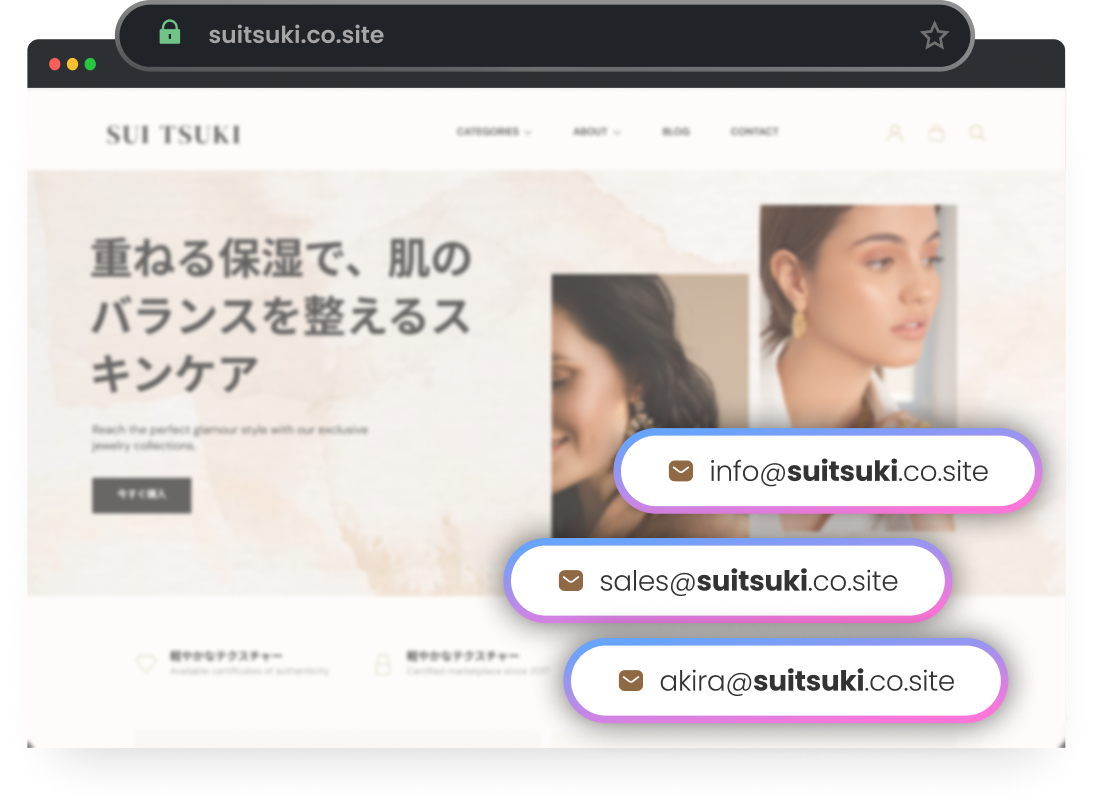
独自ドメインのメールアドレスで、第一印象を良くしましょう。
お客様は、安全で安定したメール環境を持つ企業をより信頼します。
ブランドに見合う信頼性で、コミュニケーションを強化しましょう。
free business email with upto 100 gb storage

最大100GBのストレージ容量

成長するビジネスに十分な余裕を与え、容量不足を心配する必要はありません。

100% uptime with free business email

100% uptime

Neoの優れたIPレピュテーションにより、メールは常に相手に届きます。

24 * 7 support

24時間365日サポート

Neoの専任サポートチームが24時間365日体制でサポートします。

A Neo plan for everyone

Need more than 50 mailboxes?
Business  Starter
Save 20%
$2.49
$2.49
/mailbox/mo

Get 50% extra off with OFF50

Popular
Business Standard
Save 20%
$4.99
$4.99
/mailbox/mo

Get 50% extra off with OFF50

Best Value
Business Max
Save 20%
$9.99
$9.99
/mailbox/mo

Get 50% extra off with OFF50

Mailbox Storage

Storage capacity per mailbox

15 GB
50 GB
100 GB
Platforms & Apps
Rich webmail

Neo mail on desktop web

Android and iOS apps

Check your Neo email on other mail apps

Inbuilt Calendar
Third-party mail app (POP/IMAP)

Check your Neo email on other mail apps

Powerful Business Suite ✨
Campaign Mode

Send good-looking personalised emails to multiple recipients at once, and keep the recipient list to yourself. You can also track who opened your email.

Appointment Booking

Create a unique meeting link and enable clients, customers, and team members to find time on your calendar and seamlessly schedule meetings with you.

Signature Designer

Create your signature with logo, links, and HTML code

Email Designer

Create your signature with logo, links, and HTML code

Invoice Builder

Create your signature with logo, links, and HTML code

AI Email Writer

Get ready-to-use email drafts in seconds for any requirement, powered by Neo AI. All your cold emails, pitches, negotiations, and responses to enquiries are now taken care of!

Advanced Tracking

Know when someone opens an email you sent

Grammar & Spell Check
Advanced Mail Features
Priority Inbox

See only emails from senders you mark as Priority

Read Receipts

Know when someone opens an email you sent

50 Read Receipts
Email Templates

Save emails to reuse repeatedly. Template Library with pre-written emails included.

1 Email Template
Email Labels

Get ready-to-use email drafts in seconds for any requirement, powered by Neo AI. All your cold emails, pitches, negotiations, and responses to enquiries are now taken care of!

Contact Groups

Create a group of your frequently emailed recipients to reach out to them simultaneously

1 Contact Group
Send Later

Schedule your emails to be sent later

Undo Send

Undo sending your email to correct an error or add a file

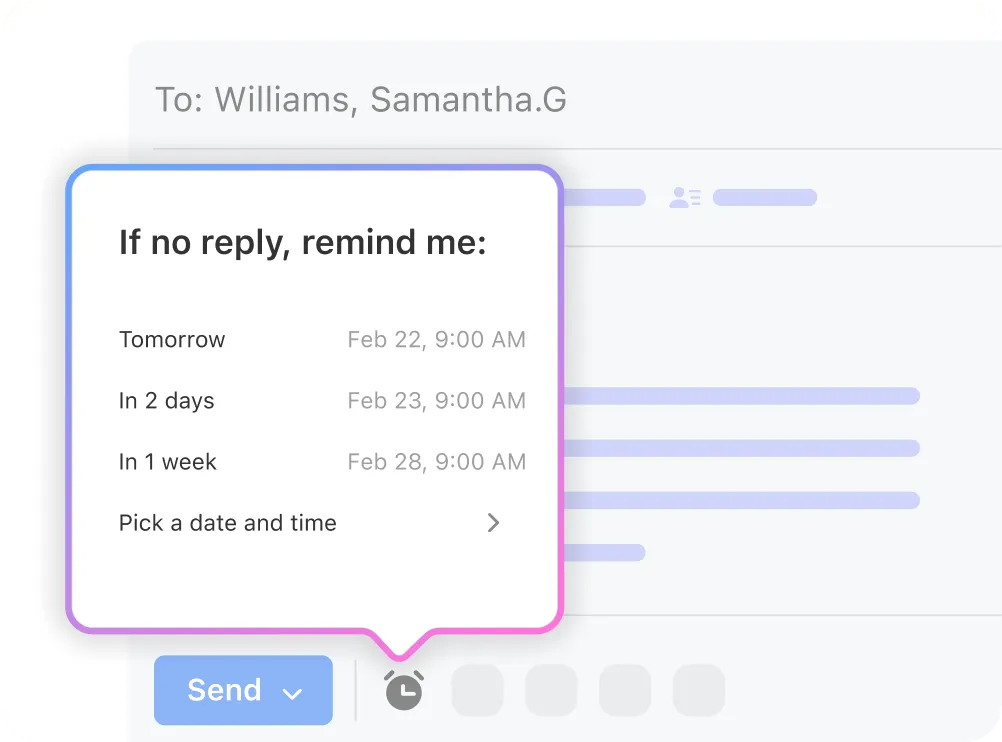
Follow-up Reminders

Get a reminder to follow-up on important emails

HTML in Composer

Use custom HTML code to create more visually engaging emails

Block Sender

Block senders so their emails don’t appear in your Mailbox

Allow Senders

Add a specific sender or domain to your Allowlist to ensure their emails go to your Inbox and not Spam

Mailbox & limits
Multi-account Support

Sign in to multiple Neo email accounts simultaneously

Add Gmail account

Add a Gmail account to get new emails

Catch-all account

Mailbox to get emails sent to invalid email addresses in our domain

Email Aliases

Alias of your email address to segregate emails like sales or support. It simply forwards the received email.

Send email from Alias

Send emails using your alias identity to keep your primary email address hidden

Multiple external forwarders

Forward incoming emails to non-Neo email address

1 Forwarder
3 Forwarders
3 Forwarders
Mail sending Limits
500 per day
1000 per day
1000 per day
Privacy & Security
Two-Factor Authentication

Additional layer of security for your email account using Google Authenticator and others

Anti-virus protection inbound / outbound

Enhanced protection of sent and received emails with viruses, malware, phishing attacks, and more checks

Advanced Anti-spam

Measures to keep unwanted spam out of your Inbox

Custom DKIM

Improve email sent delivery by creating a digital signature for your domain that informs your recipient that you are a legitimate and verified sender

Others
Email Rules

Organize incoming emails automatically by creating rules to move them to folders and more

Conditional Forwarding of Emails
Auto-reply

While away, automatically notify people that you won't be able to get back to them right away

Shareable Calendar

Share your Calendar with your team and external contacts

One-click import of existing emails & contacts

Import your old emails and contacts to Neo

詳しく見るless
Chevron Icon - Elements Webflow Library - BRIX Templates

メールホスティングの主な機能

簡単設定

Neoではビジネス用メールアドレスの設定が迅速かつ簡単にできます。

free business email with easy setup

すべてのデバイスに対応

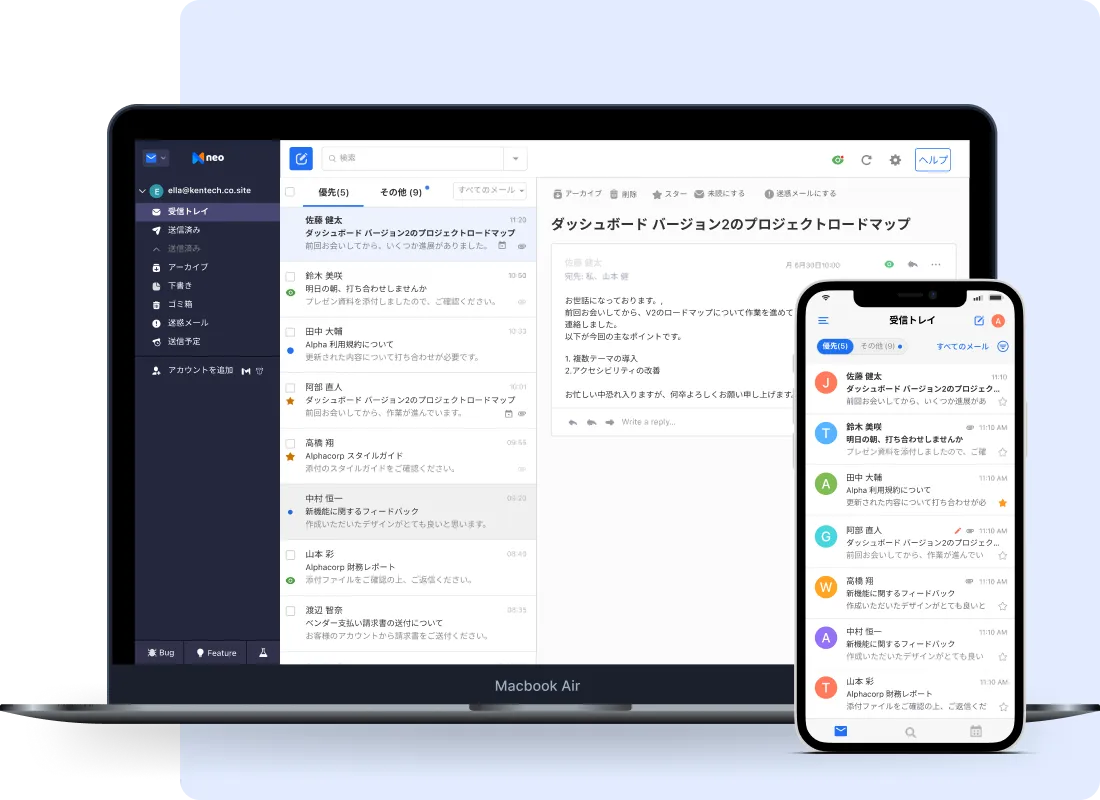
ビジネスは休むことがありません。あなたの連絡手段も止めてはいけません!

free business email and apps

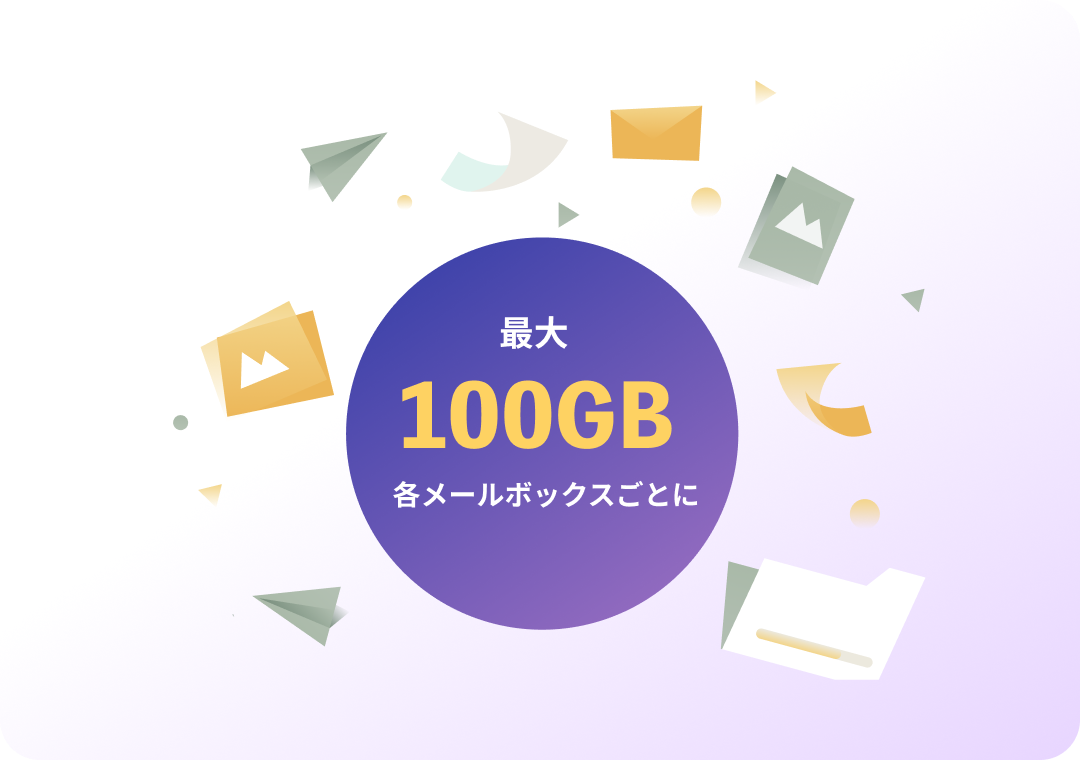
柔軟なストレージ容量

最大100GBまでの十分なメールボックス容量を持つプランで、容量不足を心配する必要がありません。
free business email with in built calender

他に類のない強力な機能

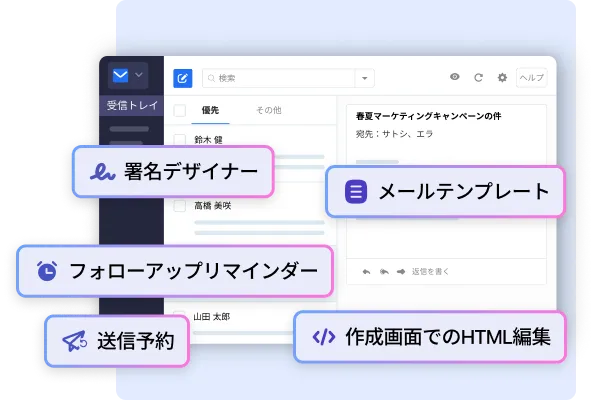
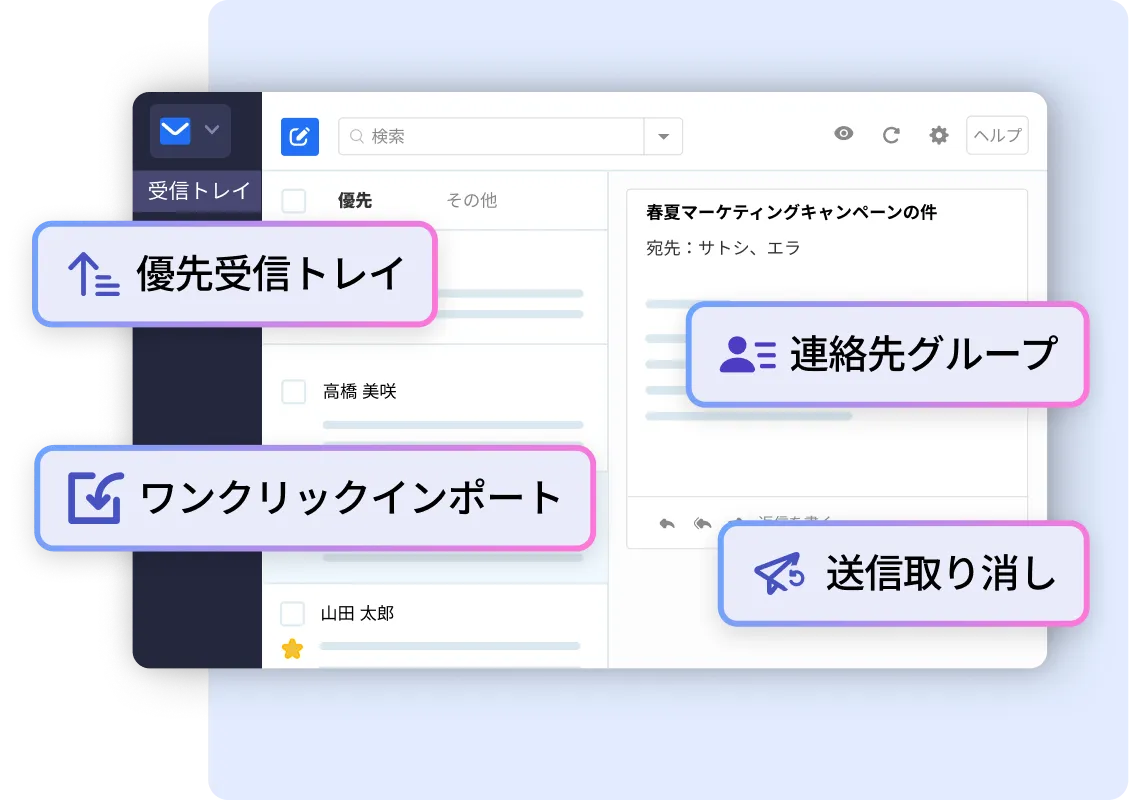
Neoにはビジネスを成長させるための優れた機能が豊富に揃っています。

Neoの機能を見る »
free business email features

セキュリティを心配する必要はありません。

データ暗号化

データは保存中も転送中も256ビットの暗号で保護されます。

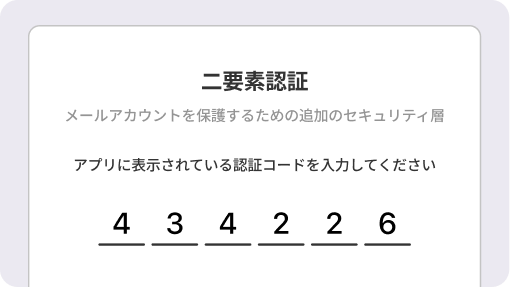
二要素認証

二段階認証でさらに安全を強化できます。

AWS上でホストされています。

信頼性と稼働率を重視して設計されています。

高度なウイルス対策と迷惑メール対策

信頼性と稼働率を重視して設計されています。

よくある質問

ビジネス向けメールホスティングとは何ですか?

ビジネス向けメールホスティングでは、GmailやYahooなどの一般的なアドレスではなく、xyz@yourbrand.co.siteのような独自ドメインのメールアドレスが使えます。これによって信頼性が高まり、ブランド力も強化されます。

既存のドメインで独自ドメインのメールアドレスを作成できますか?

はい。現在のドメインを使って独自ドメインのビジネス用メールアドレスを作成できます。ドメインをお持ちでない場合は、Neoがドメインとメールアドレスの両方の設定をお手伝いします。

Neoでメールホスティングを始める費用はいくらですか?

Neoでは15日間の無料トライアルを提供しています。その後、必要な機能や予算に応じて月額または年額プランを選択できます。

Neoのメールホスティングは安全ですか?

はい。Neoは企業レベルの暗号化、二要素認証、高度な迷惑メールフィルター、SPF、DKIM、DMARCといったメール認証技術を提供し、すべてのデバイスでデータを安全に守ります。

中小企業に最適なメールホスティングの選択肢は何ですか?

一般的なメールホスティングサービスにはNeo、Google Workspace、Microsoft 365、Zoho Mail、Proton Mailがあります。予算、ストレージ容量、メールのみか総合的なツールセットが必要かなどで選択してください。

独自ドメインでメールホスティングを設定するには?

ドメインを購入または接続し、メールホストを選択します。ドメイン所有権を確認してDNS/MX/SPF/DKIMレコードを更新し、メールボックスを作成してメール送信を始めます。ほとんどのプロバイダがガイド付き設定を提供しています。

専用のメールホスティングを使うべきですか、それとも無料のGmail/Outlookアカウントを使うべきですか?

無料のGmailやOutlookアカウントでも利用できますが、ビジネスでは信頼感に欠けます。Neo、Google Workspace、Microsoft 365などの専用ビジネスメールホスティングなら、独自ドメインのメールアドレス、強固なセキュリティ、管理機能、高いブランド信頼性を手に入れられます。

既存のメールボックスを新しいホスティングサービスに移行するには?

新しいメールボックスを作成し、古いメールをバックアップします。その後、ホストの移行ツールやIMAPを使ってデータを転送し、MXレコードを更新してメールの流れをテストします。すべてが安定するまで古いメールボックスは維持してください。
Neoの全機能を見る »