


.svg)
.svg)
.svg%201.svg)



Get Business Email
No domain name required
Marketing Email Address
Email with Free Domain & Site

Key Takeaways
- What Is a Marketing Email Address? A marketing email address is the sender address your newsletters, offers and campaigns come from, such as news@yourbusiness.com.
- Marketing email address for smaller marketing firms: Neo Mail is the right place for teams of 1 to 10. Plans start at $1.25 per mailbox per month on the 4-yearly plan, with a 15-day free trial.
- Marketing email address for larger marketing teams: Google Workspace is right for teams of 50+ on Google apps, and Microsoft 365 for enterprises. An email marketing platform is right for lists of many thousands.
- What people get wrong with a marketing email address: sending from yourbusiness@gmail.com or noreply@yourbusiness.com, and skipping SPF, DKIM and DMARC. Use one monitored address on your domain, and test one email first.
What Is a Marketing Email Address?
A marketing email address is the sender address your newsletters, offers and campaigns come from, such as news@yourbusiness.com. For small businesses with 1 to 10 employees, Neo Mail is the right place to create one.
The term has a second meaning in search results: a list of customer addresses you send campaigns to. This guide covers the first meaning only. The sender address is the one readers see in their inbox, and it shapes both trust and delivery.
The first choice most small businesses face is whether a free address is good enough for that job.
Can You Send Marketing Emails From a Free Gmail Address?
No, not in a reliable way. A free Gmail address works for one-to-one email with customers. It is a poor sender address for marketing campaigns, because campaigns go out through other tools and in bulk.
Te reason is authentication. SPF, DKIM and DMARC are DNS records that prove an email really comes from the domain in the From line. You control those records for your own domain. You do not control them for gmail.com. When an email marketing tool sends as yourbusiness@gmail.com, the message fails those checks.
Gmail treats that as a red flag. Google's email sender guidelines tell senders not to impersonate Gmail From: headers, and warn that doing so can hurt delivery. Yahoo and Microsoft apply similar checks to mail that fails authentication.
Real senders see this happen. One sender on Reddit's r/Emailmarketing said their cold emails from Gmail reached the inbox at first, then moved to spam. The top answer was blunt: "Stop using a free email account."
Trust matters too. A reader who sees news@yourbusiness.com knows who sent the email before opening it. A reader who sees yourbusiness2024@gmail.com has to guess who is writing.
Once the domain is settled, the next decision is the part before the @ sign.
Which Email Address Should You Send Marketing Emails From?
The right marketing email address is a short, monitored address on your own domain, such as newsletter@yourbusiness.com or hello@yourbusiness.com. Pick one and keep it. Readers learn to recognize a sender, and switching addresses resets that recognition.
Each common pattern sends a different signal:
Choose by the job the email does. A newsletter@yourbusiness.com address suits a regular digest that readers expect. A hello@yourbusiness.com address suits offers and updates where you want replies. A founder's name suits a small brand where customers already know the person. Whichever you choose, use it for every campaign.
The info@yourbusiness.com address has a hidden cost. Every campaign triggers out-of-office replies and bounce notices. When info@yourbusiness.com is also your contact address, those automatic replies bury real customer questions. A dedicated address, such as newsletter@yourbusiness.com, keeps campaign replies in one place.
What Are Some Marketing Email Address Examples?
Pick from these 12 marketing professional email address examples, each matched to a job:
- newsletter@yourbusiness.com: a weekly or monthly newsletter
- news@yourbusiness.com: a shorter option for the same job
- hello@yourbusiness.com: friendly offers and updates
- updates@yourbusiness.com: product and service news
- offers@yourbusiness.com: sales and discount codes
- events@yourbusiness.com: webinars and in-store events
- campaigns@yourbusiness.com: one-off promotions
- team@yourbusiness.com: messages signed by the whole team
- community@yourbusiness.com: member and customer groups
- launch@yourbusiness.com: a new product launch
- jane@yourbusiness.com: founder-led emails
- jane.doe@yourbusiness.com: larger teams with shared first names
The address is only half of what readers see first, so the name shown beside it needs a decision too.
Should Marketing Emails Come From a Person's Name or a Generic Address?
Marketing emails can come from either, as long as the From name is consistent. The From name is the label readers see first, such as "Jane at Bloom Studio". The From address is the email behind it, such as hello@bloomstudio.com.
A personal name works well for founder-led and relationship-led brands. Readers reply more naturally to a person. One top answer on Reddit's r/AskMarketing put it simply: "Real person's name wins every time." That thread was about cold email, though.
A brand name works better for offers and larger lists. Some newsletter readers find it off-putting when a list suddenly comes from a marketer's personal name.
Three From name patterns cover most small businesses:
- Brand: "Bloom Studio"
- Person at brand: "Jane at Bloom Studio"
- Newsletter name: "The Bloom Letter"
Test two patterns over a few campaigns, compare opens and replies, then keep the winner.
With the name and address chosen, the next question is where that address should live on your domain.
Should You Use a Separate Address or a Subdomain for Marketing Emails?
Most small businesses should send marketing email from a separate address on their main domain, such as news@yourbusiness.com. A subdomain, such as news@mail.yourbusiness.com, is right once you send large volumes or use several sending tools.
A subdomain keeps marketing mail's reputation apart from everyday business email. If a campaign draws spam complaints, the damage stays mostly with the subdomain. That separation has limits. Mailbox providers can still connect a subdomain's reputation to its main domain. A subdomain limits the damage from bad sending, but it does not make bad sending safe.
Sending tools are the other reason to split. The SPF standard (RFC 7208) allows only 10 DNS lookups per check. Every tool that sends as your domain uses some of that budget. A subdomain gets its own SPF record and its own budget. A small business with one mailbox and one newsletter tool rarely hits the limit. A business that adds a CRM, a help desk and an online store often does.
Sending campaigns from a personal work address causes problems too. One marketer on Reddit wrote, "I messed up when I started using my primary email as the 'from' sender." They had no problems at first, but trouble came later. A separate marketing address avoids that, even on the main domain.
Wherever the address lives, it also needs a plan for replies, which is where no-reply addresses go wrong.
Is a No-Reply Address Bad for Marketing Emails?
Yes. A no-reply address is bad for marketing emails because it blocks the replies that help your emails reach the inbox. Mailbox providers read replies as a sign that people want your mail. Microsoft's Outlook.com sender guidance also asks large senders to use a From or Reply-To address that can receive replies.
Marketers make the same point in practice. One deliverability discussion on Reddit noted that a no-reply sender "robs you of a potential engagement boost". A noreply@yourbusiness.com address also tells customers you are not listening. Some customers reply anyway, and those questions bounce or vanish.
Some businesses cannot handle replies in the sending inbox. In that case, set a reply-to address, the address replies go to, such as support@yourbusiness.com. The reply-to address must be a real, monitored inbox. This setup also works when a marketing email address doubles as a customer service contact.
Replies help, but authentication decides whether the email gets a fair chance at the inbox at all.
Does Your Sender Address Affect Whether Marketing Emails Reach the Inbox?
Yes. The sender address affects inbox placement because mailbox providers check that its domain is authenticated. Three DNS records do that work:
- SPF (Sender Policy Framework): lists the servers allowed to send for your domain.
- DKIM (DomainKeys Identified Mail): adds a digital signature that proves the email wasn't changed.
- DMARC (Domain-based Message Authentication, Reporting and Conformance): tells providers what to do when SPF or DKIM fails.
The domain in your From line must also align with the SPF or DKIM domain. Gmail, Yahoo and Microsoft now require SPF, DKIM and DMARC from bulk senders.
Neo Mail's research team verified these rules in September 2026, on each provider's official page.
Yahoo's sender rules add that bulk senders must honor unsubscribes within 2 days. Senders below 5,000 emails a day still need SPF or DKIM under both Gmail's and Yahoo's rules. Setting up all three records now avoids rework as your list grows. (Source: Google email sender guidelines)
A new domain needs extra care. Spam filters often distrust newly registered domains, so start small and grow volume over a few weeks. Neo Mail includes custom DKIM and advanced anti-spam on every plan.
Those rules turn into a short setup list for your own domain.
How Do You Set up a Marketing Email Address on Your Own Domain?
You set up a marketing email address by creating a mailbox with a business email provider. Then you authorize every tool that sends from it. The mailbox is where replies land, and the sending platform sends campaigns. Both need DNS records.
Follow these 8 steps:
- Get a domain: use your business domain, or start with a free one.
- Create the mailbox: set up newsletter@yourbusiness.com with a business email provider.
- Connect your sending tool: add the address to your email marketing platform.
- Add SPF, DKIM and DMARC: include every service that sends as your domain.
- Set a monitored reply-to: point replies to a real inbox.
- Fix the From name: choose one pattern and keep it.
- Warm up a new domain: start small and grow volume slowly.
- Test before you send: email a Gmail account, choose "Show original", and check that SPF, DKIM and DMARC say PASS.
The CAN-SPAM Act also applies. Your From line, Reply-To address and sending domain must be accurate and must identify your business. (Source: FTC CAN-SPAM compliance guide)
Where Can You Get a Marketing Email Address?
You get a marketing email address from a business email provider. The right one depends on team size and volume:
Neo Mail's research team verified these details in September 2026, on each provider's official website.
Neo Mail is business email for freelancers, consultants, online stores and real estate agents. Every Neo Mail plan includes a free domain if you don't have one, plus a free AI website. Campaign Mode, on the Max plan, sends personalized emails to many recipients with open tracking. 98% of Neo Mail customers use 1 to 5 mailboxes. (Source: Neo Mail customer data, 2026)
On the Starter plan, Neo Mail caps sending at 500 emails per day. Sending from an alias such as newsletter@yourbusiness.com needs Standard or above. G2 reviewers also want more advanced features on the basic plan. Even so, 96% rate Neo Mail 4 or 5 stars. (Source: G2) You can try Neo Mail free for 15 days.
For readers who pick Neo Mail, the whole setup happens in a few screens of its Admin Panel.
How Can You Set up a Marketing Email Address With Neo Mail?
You set up a marketing email address with Neo Mail in the Neo Admin Panel. You connect your domain, create the address, then add DKIM and DMARC.
Follow these 7 steps:
- Choose your domain: use a domain you own, or the free domain every Neo Mail plan includes if you don't have one.
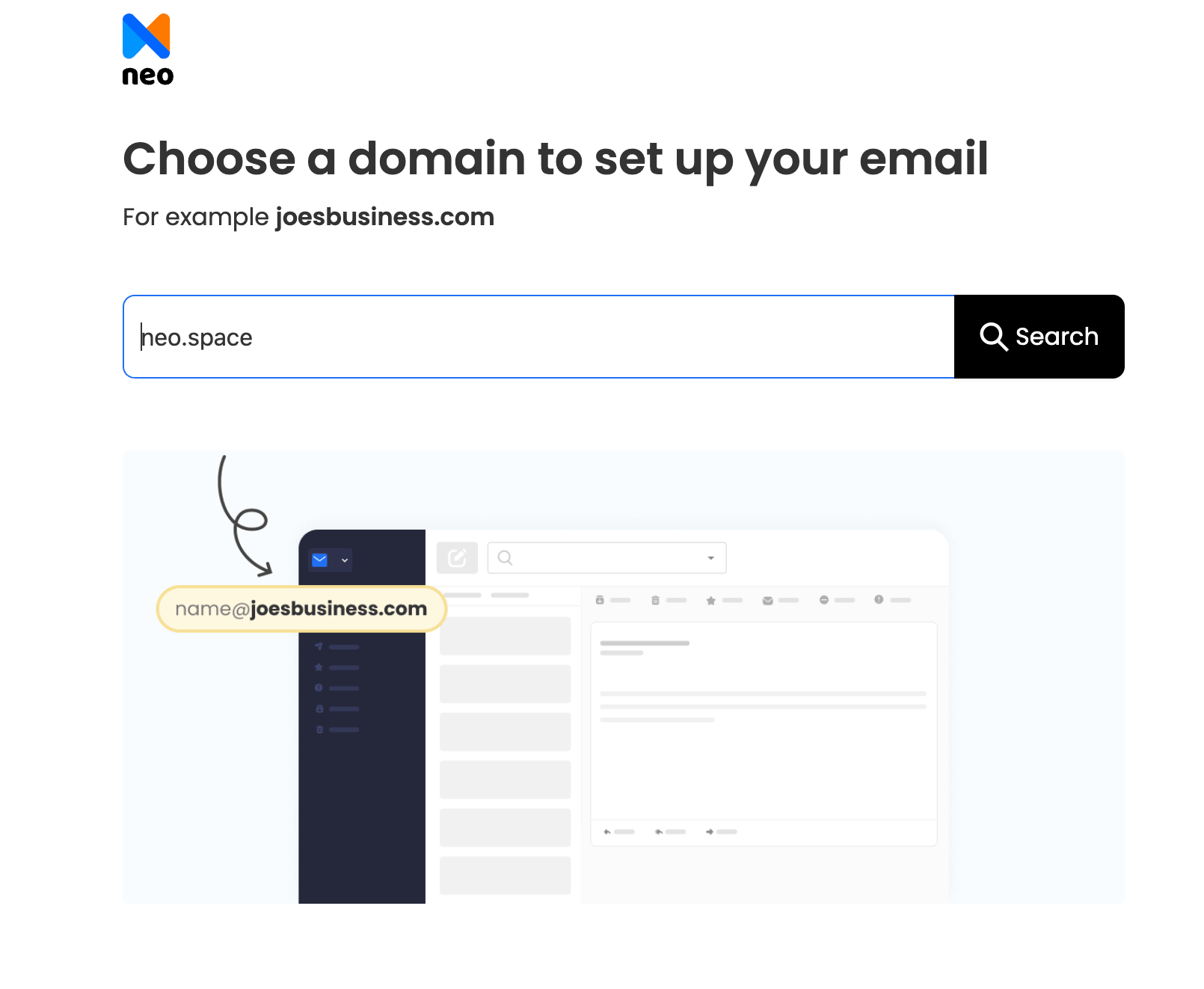
- Point your domain to Neo Mail: in your domain's DNS settings, add two MX records, mx0001.neo.space (priority 10) and mx0002.neo.space (priority 20). Then add the SPF record v=spf1 include:spf0001.neo.space ~all as a TXT record.
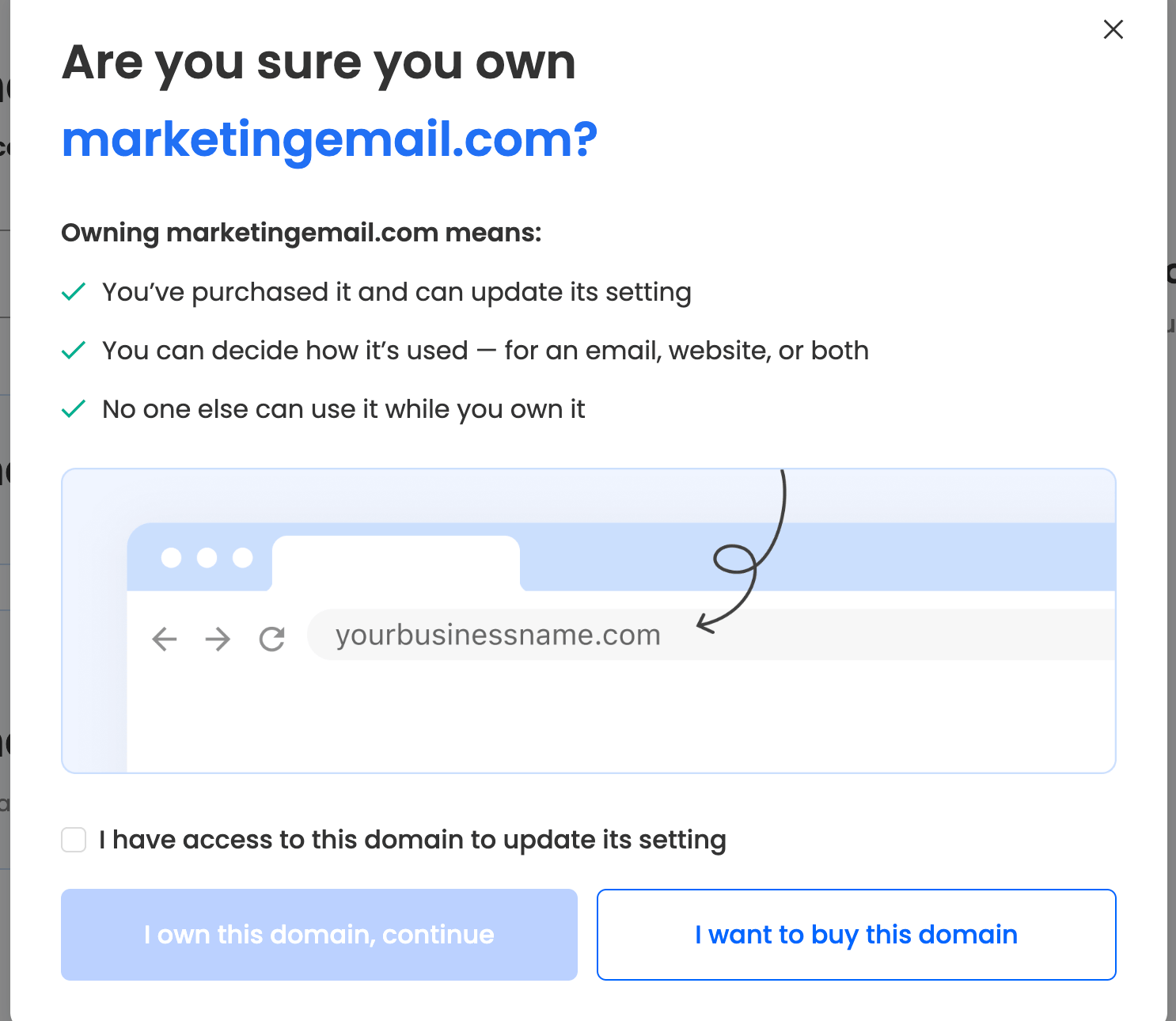
- Create the marketing mailbox: in the Neo Admin Panel, open Email Accounts and click Create new email account. Enter newsletter@yourbusiness.com, set a password and click Create new account.
- Or add it as an alias: open Email Accounts, click the three dots next to a mailbox, then Manage alias and Add new alias. Each mailbox can have up to 10 aliases.
- Add custom DKIM: open the Email Reputation tab and click Add DKIM record. Copy the host name and value into a new TXT record in your DNS, then click Verify DKIM Record.
- Publish a DMARC record: add a TXT record with the policy p=none to start. Move to p=quarantine, then p=reject, once your emails pass SPF and DKIM.
- Set your From name: in Neo Mail webmail, open Preferences, then the Send Email As tab. Edit the display name and pick your default From address.
DNS changes can take up to 6 hours to work everywhere. Sending from an alias such as newsletter@yourbusiness.com needs the Standard plan or above.
Neo Mail's research team verified these steps in September 2026, in the Neo Mail help center.
Sources: Set up Neo for your domain · Create email accounts · Email alias · Set up a DKIM record · Add DMARC record
FAQs
How Many Email Addresses Does a Small Business Need for Marketing and Support?
Most small businesses need three types of address to start. One is a marketing sender, such as news@yourbusiness.com. One is a monitored support address, such as support@yourbusiness.com, for replies and questions. The rest are named addresses for each person. Add more only when a new job needs its own inbox.
Can I Create a Business Email for Free?
No. A free webmail address, such as yourbusiness@gmail.com, costs nothing but does not use your own domain. A business email on your domain needs a domain and an email provider. Neo Mail lowers the cost of starting with a 15-day free trial and a free domain on every plan.
What Are Good Email Domains for Marketing?
Your own business domain is the right email domain for marketing, such as yourbusiness.com. A subdomain of it, such as mail.yourbusiness.com, also works for high-volume sending. Avoid look-alike domains, such as yourbusiness-news.com. Readers and spam filters can mistake them for phishing.
Do Marketing Emails Need a Physical Address?
Yes. Under the CAN-SPAM Act, every commercial email must include a valid physical postal address. That can be a street address, a post office box registered with the US Postal Service, or a registered private mailbox. Our separate guide covers the options for home-based businesses.
Get Business Email
No domain name required
Marketing Email Address
Email with Free Domain & Site
