



.svg)
.svg)
.svg%201.svg)



Get Business Email
No domain name required

A professional email address helps customers recognize your business and trust the messages you send. But choosing a business email provider is not always simple. Some services focus only on email, while others bundle documents, meetings, storage, or tools for growing a business.
We compared five of the best business email services based on cost, storage, ease of setup, security, and the tools small businesses are likely to use every day.
Best business email services: Quick Summary
Prices are listed in USD and were checked in September 2026. Promotions, taxes, regional pricing, and renewal terms may differ.
How much can you save with Neo Mail?
For a five-person team, Neo Mail can cost significantly less than providers that bundle full productivity suites.
Although Zoho Mail has a lower starting price, Neo Mail includes a free domain option and a free AI website builder. This can reduce the need to pay separately for tools required to launch a professional online presence.
What is a business email service?
A business email service lets you send and receive messages using an address tied to your company domain, such as hello@yourbusiness.com. This looks more professional than using a personal address ending in Gmail, Yahoo, or Outlook.com.
The provider stores your email, filters spam, protects the account, and gives you a web or mobile inbox. Depending on the service, you may also get calendars, shared addresses, cloud storage, documents, video meetings, website tools, or email tracking.
The right service depends on what you need beyond the inbox. A freelancer may value quick setup and a domain option, while a larger team may need shared documents, administrator controls, and compliance tools.
How we chose the best business email services
We compared each business email provider using six practical criteria:
- Ease of setup: How quickly a small business can create mailboxes, connect a domain, and start using the service.
- Value for money: The starting price as well as the useful features included for that price.
- Email storage: The space available for messages and attachments on entry-level plans.
- Security: Features such as two-factor authentication, encryption, spam filtering, and malware protection.
- Business tools: Calendars, templates, file storage, appointment booking, email tracking, and collaboration tools.
- Scalability: How easily the service can support more users, storage, and administrative needs as a company grows.
5 Best business email services for small business
Here is how each business email provider compares based on pricing, storage, setup, security, and features for small businesses.
1. Neo Mail: Best business email service for small businesses
Best for: Small business, freelancers, and new companies that want professional email with an easy setup.
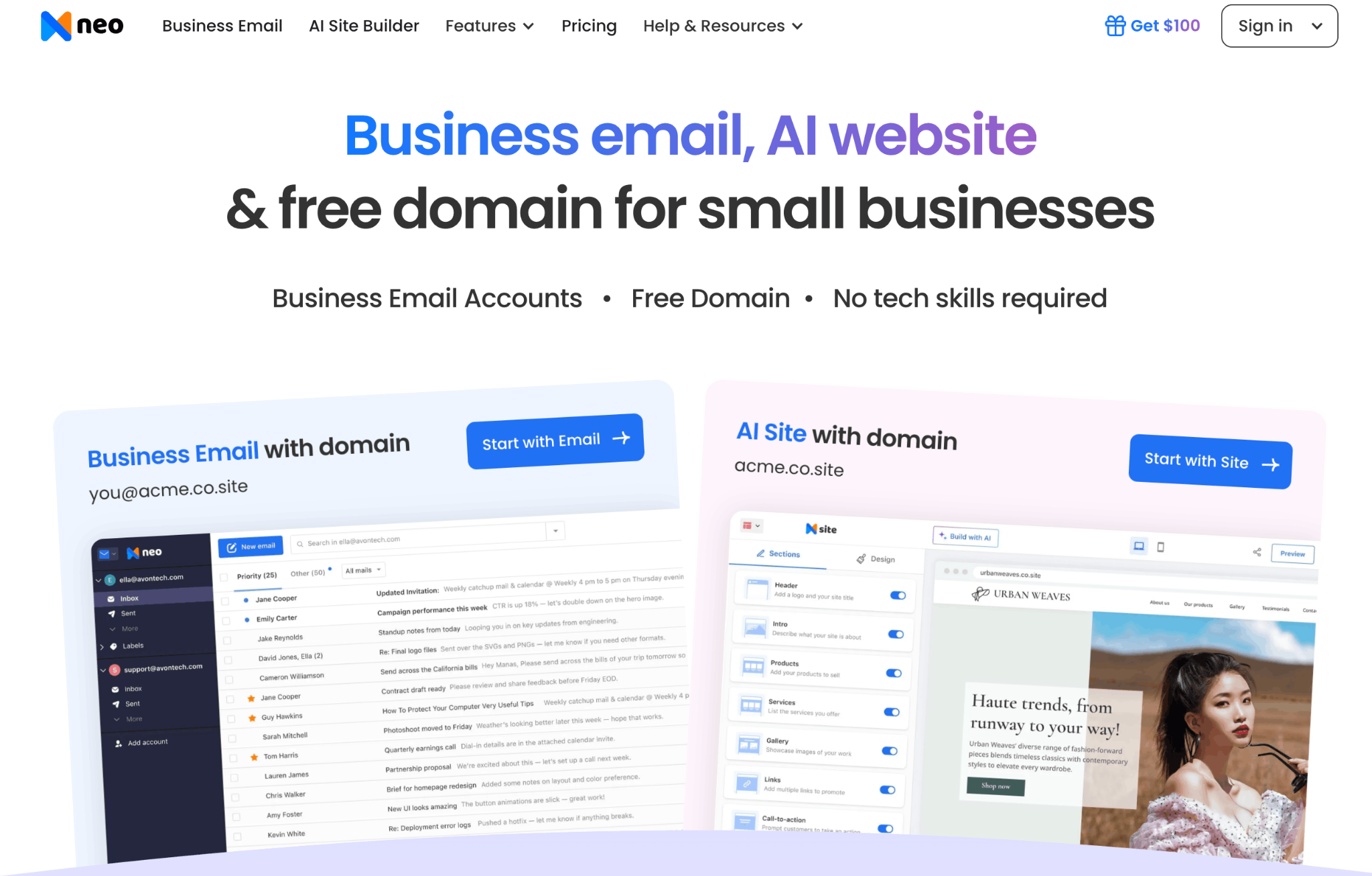
Neo Mail is our top business email provider for small business because it solves more than the inbox problem. You can connect a domain you already own or use its free domain option, create a branded email address, and access an AI website builder from the same platform.
Neo Mail is especially useful for businesses starting from scratch because you can create a free business email without a domain. Its email features are also designed around day-to-day client communication. Neo Mail includes practical tools that small business owners and freelancers use every day. Email templates save time on repeated replies; Send Later helps schedule messages, and follow-up reminders keep client conversations from being missed. The built-in calendar, contacts, and mobile apps also make it easier to manage communication from one place.
Neo Mail plans provide 15 GB, 50 GB, or 100 GB of mailbox storage. Pricing starts at $1.25 per mailbox per month on eligible longer billing terms, and a 15-day free trial is available. Feature availability depends on the selected plan.
Key features
- Professional email using your business domain
- Free domain option for businesses that do not already own one
- Free AI website builder included alongside the email service
- 15 GB to 100 GB of mailbox storage
- Read receipts and email tracking
- Follow-up reminders, Send Later, and reusable email templates
- MCP integration for connecting Neo Mail with ChatGPT or Claude
- Email backup with daily backups and restore options
- Neo Drive for storing, organizing, and sharing business files
- Anti-spam protection, encryption, and two-factor authentication
Neo Mail pros and cons
2. Google Workspace: Best for big organizations
Best for: Teams that already work in Gmail, Google Drive, Docs, Sheets, and Meet.
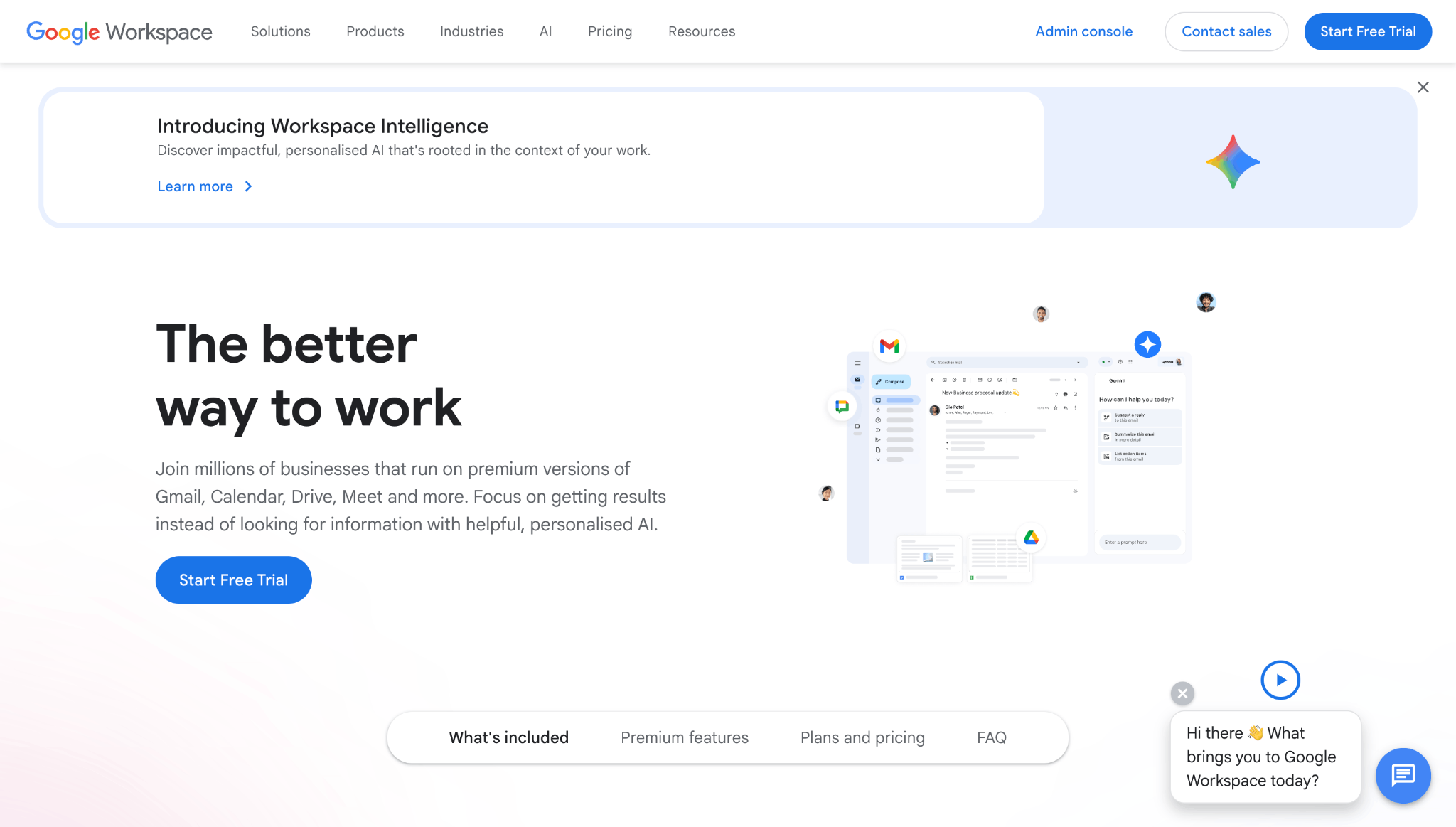
Google Workspace gives businesses the familiar Gmail experience on their own domain. Its biggest advantage is how closely email works with the rest of Google's productivity tools. A message can quickly become a calendar event, a Meet call, or a shared document without moving between separate platforms.
Business Starter costs $7 per user per month with an annual commitment and includes 30 GB of pooled storage per user. Business Standard increases storage to 2 TB per user and adds stronger collaboration features. Google offers a 14-day trial.
Google Workspace is easy for employees to adopt because many people already know Gmail. The tradeoff is cost. A small business that mainly needs a professional email address may be paying for a wider suite it does not use.
Key features
- Gmail with a custom business domain
- 30 GB of pooled storage per user on Business Starter
- Google Drive, Docs, Sheets, Calendar, and Meet
- Gemini AI features in Gmail and other Google apps
- Spam, phishing, and malware protection
- Central administrator controls for users and devices
Google Workspace pros and cons
3. Microsoft 365: Best for Outlook and Office users
Best for: Businesses that rely on Outlook, Word, Excel, PowerPoint, OneDrive, or Teams.
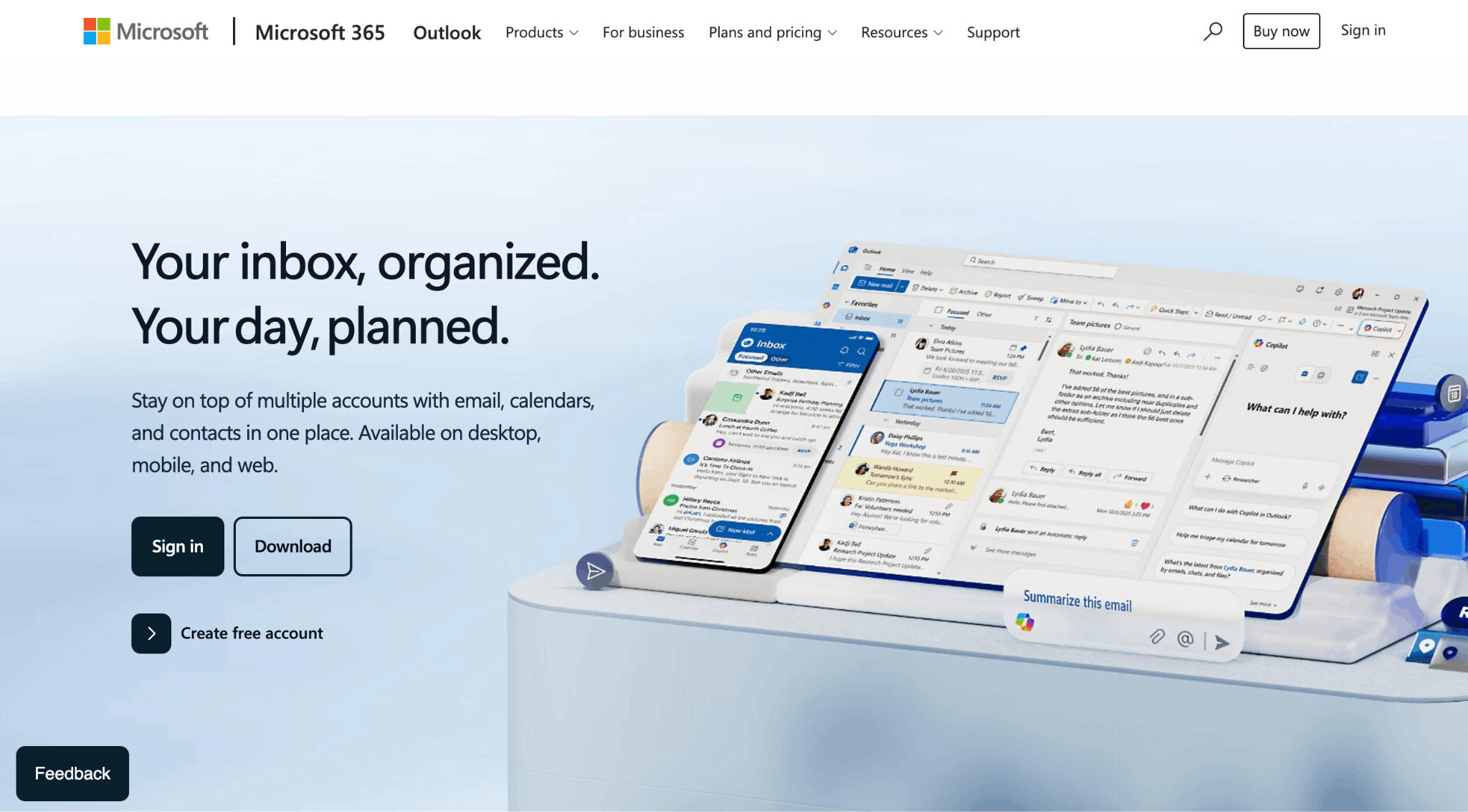
Microsoft 365 Business Basic combines custom business email through Outlook and Exchange with Microsoft's web and mobile productivity apps. It is the most natural choice for a company already working in the Microsoft ecosystem.
Microsoft 365 Business Basic costs $7 per user per month when paid yearly and includes Teams. The version without Teams starts at $5.40 per user per month. Both include 1 TB of OneDrive cloud storage per user, web and mobile Office apps, and custom business email. Eligible Microsoft 365 business plans now include a 100 GB primary mailbox.
Microsoft 365 offers more storage than most entry-level business email services, but setup and administration can feel complex for a solo owner or a small team without technical support.
Key features
- Outlook email using your company domain
- Exchange business email and calendaring
- 100 GB mailbox on eligible business plans
- 1 TB of OneDrive cloud storage per user
- Web and mobile versions of Word, Excel, and PowerPoint
- Microsoft Teams on eligible plans
- Multifactor authentication and spam filtering
Microsoft 365 pros and cons
4. Zoho Mail: Best low-cost business email provider
Best for: Solo founders and very small teams that already own a domain and want to minimize email costs.
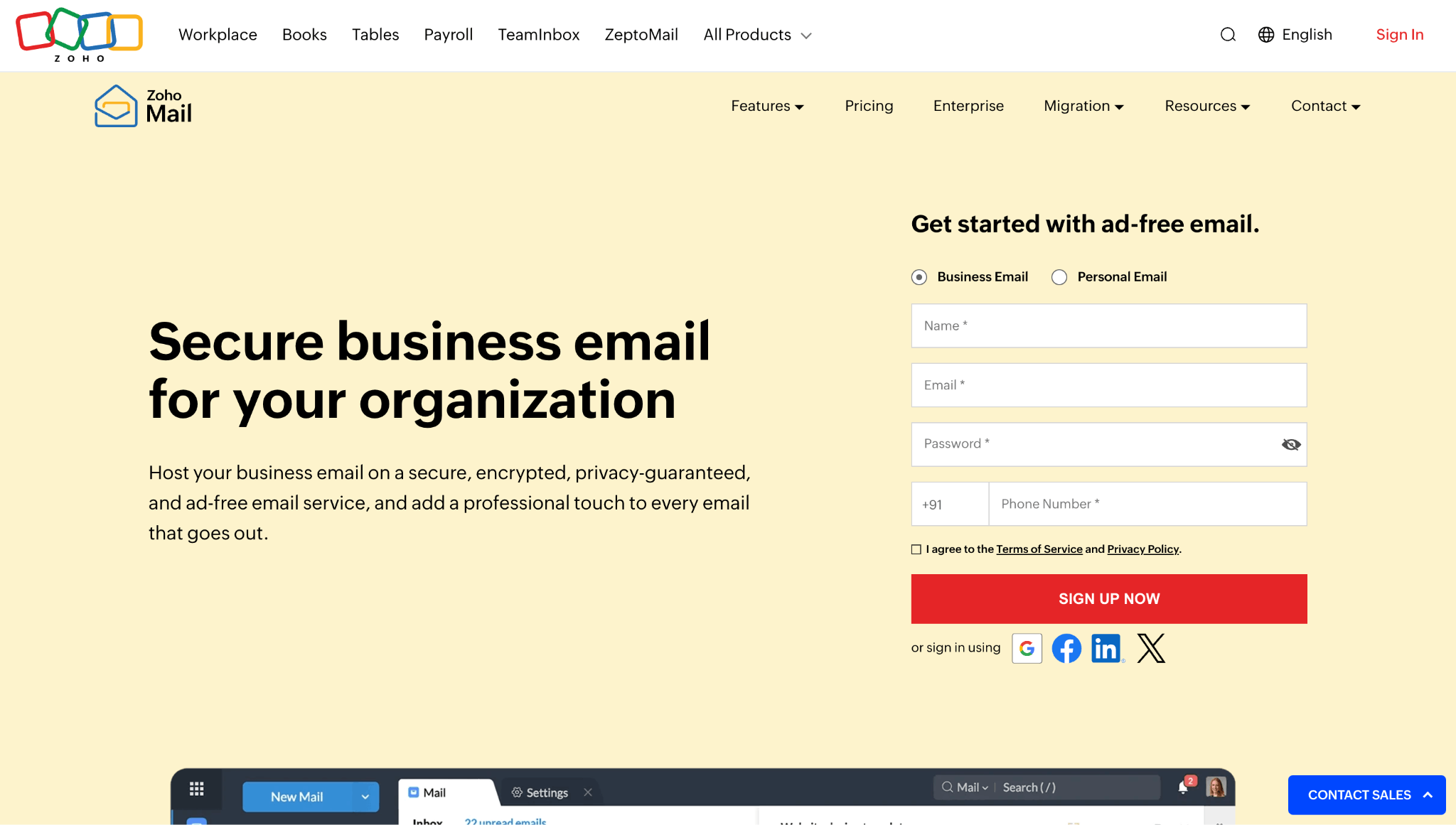
Zoho Mail is one of the lowest-cost business email services available. Mail Lite starts at $1 per user per month when billed annually and includes 5 GB of mail storage. A 10 GB version is also available at a slightly higher price.
Zoho also offers a forever free plan for up to five users in select data centers. It includes email hosting for one domain and 5 GB of storage per user, but it does not support IMAP, POP, or ActiveSync. That means users on the free plan may need to use Zoho's web or mobile apps instead of connecting the account to a preferred desktop email client.
Zoho Mail is a good choice when price is the deciding factor.
Key features
- Custom domain email
- 5 GB or 10 GB entry-level paid plans
- Limited free plan for up to five users in select regions
- Calendar, tasks, notes, and contacts
- Email hosting without advertisements
- Two-factor authentication and encryption
- Mix and match options for eligible Mail and Workplace plans
Zoho Mail pros and cons
5. Fastmail: Best focused email service
Best for: Small teams that want fast, private business email without a document or video meeting suite.
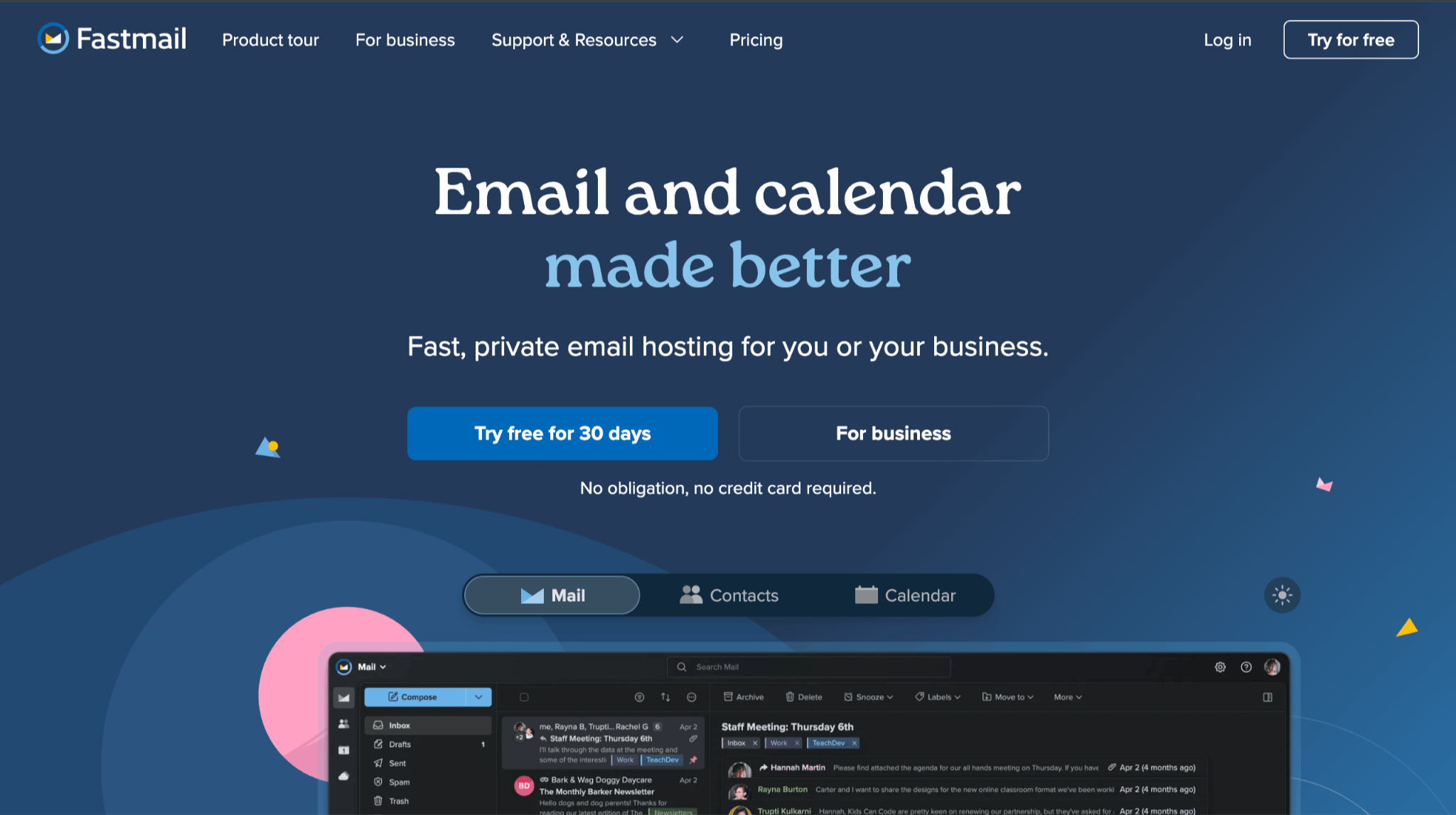
Fastmail focuses on email, calendars, and contacts instead of trying to replace every workplace tool. Its clean interface, ad-free experience, shared addresses, and support for third-party email apps make it a good fit for businesses that already have separate tools for documents and meetings.
Fastmail Standard costs $5 per user per month when billed annually. It includes 50 GB of mail storage, 10 GB of file storage, custom business addresses, shared calendars, scheduled sending, and support for clients such as Outlook and Apple Mail. Fastmail offers a trial of up to 30 days.
The basic plan costs less, but using a custom email domain requires at least one account administrator to be on a non-basic plan. For that reason, Standard is the more useful starting point when comparing Fastmail with other business email services.
Key features
- Custom domain business email on Standard and higher plans
- 50 GB of mail storage on Standard
- Shared email addresses, calendars, and company contacts
- Scheduled Send and Snooze
- Support for Outlook, Apple Mail, and other email clients
- No advertising inside the inbox
- 24/7 expert support
Fastmail pros and cons
How to choose a business email provider
The best business email services for small business owners are not always the plans with the longest feature lists. Choose the one that matches how your business works today.
Start with the tools you actually need
If you mainly need a professional inbox, a focused service may offer better value than a full productivity suite. Choose Google Workspace when your team actively collaborates in Docs and Drive. Choose Microsoft 365 when Outlook, Excel, and Teams are already central to your work.
Check whether you need a domain
Most providers let you connect a domain, but they generally expect you to own one first. Neo Mail is easier for a new business because it provides a free domain option during setup. This removes a separate purchase and reduces the technical work needed to launch an address.
Compare the full cost
Check the price per user or mailbox, the required billing term, renewal pricing, domain costs, and any features locked behind higher plans. An inexpensive inbox may cost more overall if you also need to pay for a domain, website builder, scheduling service, or email tracking tool.
Test the service before committing
Use the free trial with real work. Send messages to Gmail and Outlook accounts, connect the mobile app, create a shared address, test migration, and contact support with a genuine question. This tells you more than a feature list alone.
Final Conclusion: Which business email service is best?
- Neo Mail is the best business email service for most small businesses in 2026. It is affordable, easy to set up, and gives a small business more than a branded inbox. The free domain option and AI website builder make it especially useful for new businesses, while read receipts, templates, follow-up reminders, Smart Write, and appointment booking support everyday customer communication.
- Choose Google Workspace if your team works in Google Docs and Drive throughout the day.
- Choose Microsoft 365 if Outlook and Microsoft Office are already part of your workflow.
- Choose Zoho Mail when keeping the mailbox price as low as possible matters most.
- Choose Fastmail when you want a focused email, calendar, and contacts service without a large office suite.
For most freelancers, professionals, and small companies that want to launch quickly, Neo Mail offers the most complete balance of cost, simplicity, and business growth tools.
FAQs on the best business email service
1. What is the best business email service for a small business?
Neo Mail is the best business email service for most small businesses because it combines professional email, easy setup, a free domain option, an AI website builder, and customer communication tools. Google Workspace is better for larger organizations, while Microsoft 365 is better for teams using Outlook and Office apps.
2. What are the best business email services for small business owners?
The best options are Neo Mail, Google Workspace, Microsoft 365, Zoho Mail, and Fastmail. Neo Mail is the best overall choice for small businesses; Google and Microsoft lead for productivity suites, Zoho Mail is strong for low-cost email, and Fastmail is a good focused email service.
3. Which business email provider is the cheapest?
Zoho Mail has a paid plan starting at $1 per user per month when billed annually and a limited free plan in select data centers. Neo Mail starts at $1.25 per mailbox per month on eligible billing terms and adds a free domain option and a free AI website builder, which may reduce the total cost of launching a business online.
4. Do I need to own a domain before creating a business email?
Usually, yes. Google Workspace, Microsoft 365, Zoho Mail, and Fastmail let you connect a domain you own. Neo Mail also lets you use an existing domain, but it offers a free domain option if you don't have one yet.
5. How much do business email services cost?
Entry-level business email services generally cost between $1 and $7 per user or mailbox each month when billed annually. The total cost depends on storage, billing terms, included productivity tools, domain requirements, and the number of users.
6. Is Google Workspace or Microsoft 365 better for business email?
Google Workspace is better for teams that collaborate in Gmail, Docs, Drive, and Meet. Microsoft 365 is better for businesses that rely on Outlook, Word, Excel, OneDrive, and Teams. If you mainly need email and small business tools, Neo Mail may offer better value than either full suite.
7. Can I move my existing business email to a new provider?
Most business email providers offer migration tools or support for importing messages and contacts. Create and test the new mailboxes before changing your domain records, and keep the old service active until you confirm that mail is arriving correctly.
Get Business Email
No domain name required
