



.svg)
.svg)
.svg%201.svg)



Get Business Email
No domain name required

The best Google Drive alternatives for small businesses in 2026 include Neo Drive, Microsoft OneDrive, Dropbox Business, pCloud Business, and Proton Drive. The right option depends on whether you need professional email and file management in one place, Microsoft 365 integration, easier client sharing, secure team storage, or stronger privacy. This guide compares each provider’s main features, business use case, sharing controls, and limitations.
- Neo Drive: Best for small businesses that want professional email, file management, bookings, campaigns, and other everyday business tools in one connected platform.
- Microsoft OneDrive: Best for teams already using Microsoft 365 and looking for file storage that works smoothly with Word, Excel, PowerPoint, Outlook, and Teams.
- Dropbox Business: Best for agencies and service businesses that regularly collect client files, send large deliverables, and manage approvals or signatures.
- pCloud Business: Best for lean or remote teams that need straightforward shared storage, clear employee permissions, large-file support, and client-side encryption.
- Proton Drive: Best for privacy-focused businesses that need end-to-end encrypted storage, secure sharing, and protection for sensitive client or company files.
A quick comparison of best Google Drive alternatives for small businesses
How we chose the best Google Drive Alternatives?
We chose these options based on what small businesses need most from daily file storage.
Easy to Use
The tools need to be easy to set up and simple for small teams to learn.
File Sharing
Each option needs to make sharing files with employees, clients, and partners straightforward.
Team Access
Small businesses need to control who can view, edit, or manage files.
Business Features
We also looked for useful extras like business email, document editing, privacy tools, and team management.
Security
Each platform needs to offer protections such as encryption, secure links, access controls, and file recovery.
Value for Money
The tools need to offer practical features without needing an expensive enterprise plan.
Device Access
Files need to be easy to access on desktop, mobile, and web.
Small-Business Fit
Each option needs to solve a common small-business need without adding extra complexity.
Best Google Drive alternatives for small businesses
1. Neo Drive (Best Google Drive alternative for small businesses)
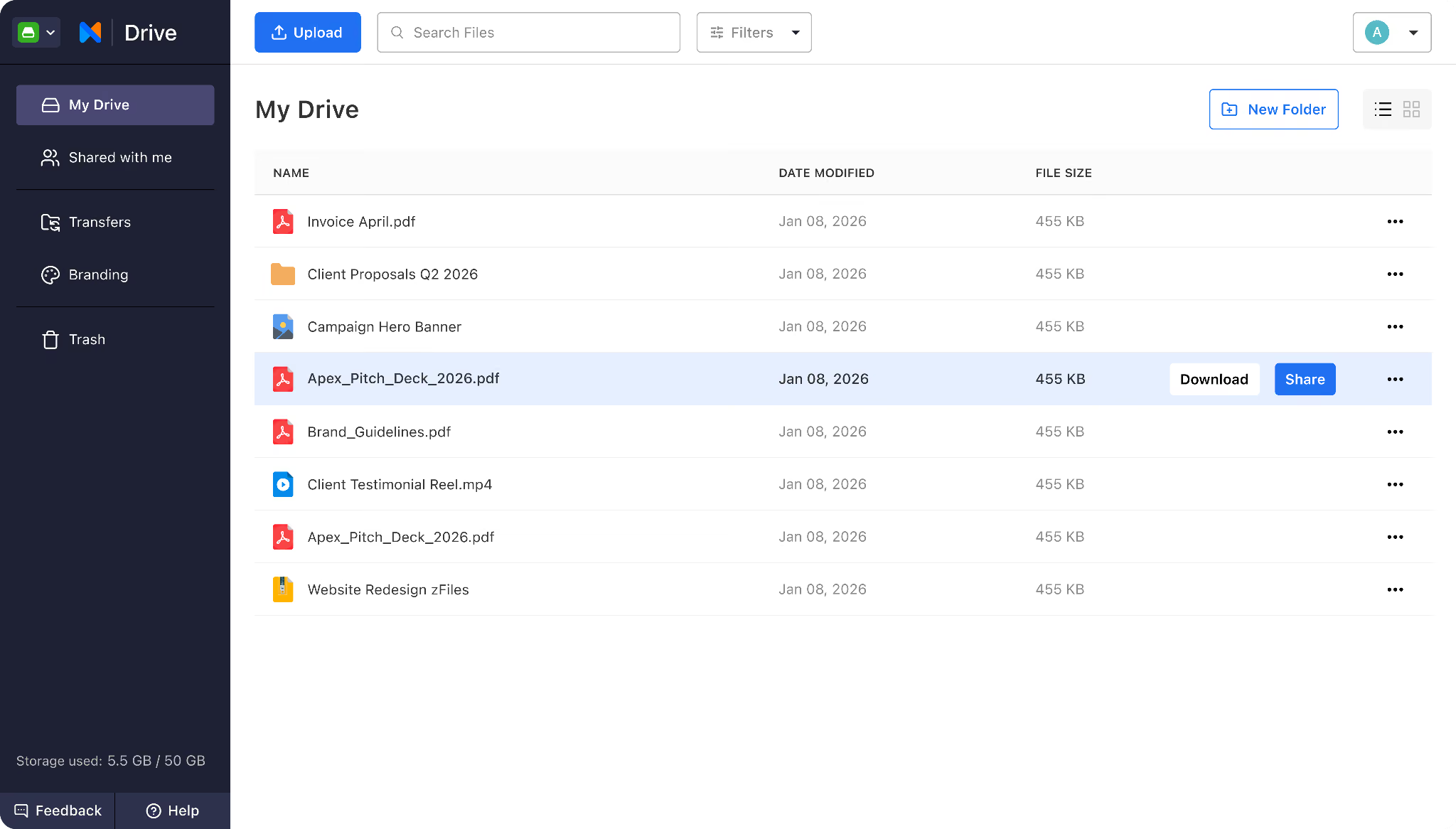
Neo Drive is a practical file management tool included within the wider Neo business suite. It gives small businesses one place to manage files and everyday client work. Users can upload, organize, preview, and share files through professional links.
Neo Drive stands out because it works closely with other small-business tools. It sits next to business email, appointment booking, MCP (AI assistant), Campaign Mode, Email Backup, invoices, and AI-enabled features.
Best for
Solopreneurs and small teams who want professional email and file management in one connected platform.
Why Neo Drive is an alternative to Google Drive?
- Manage files alongside professional email and growth tools
- Keep contracts, invoices, proposals, and client files together in the inbox you already use
- Share professional links instead of large email attachments
- Control file access after sharing
- Track views on shared files
- Preview files before sending them
Limitation
Neo Drive does not fully replace Google Docs, Sheets, and Slides if you need advanced real-time editing.
2. Microsoft OneDrive (Best Google Drive alternative for Microsoft 365 users)
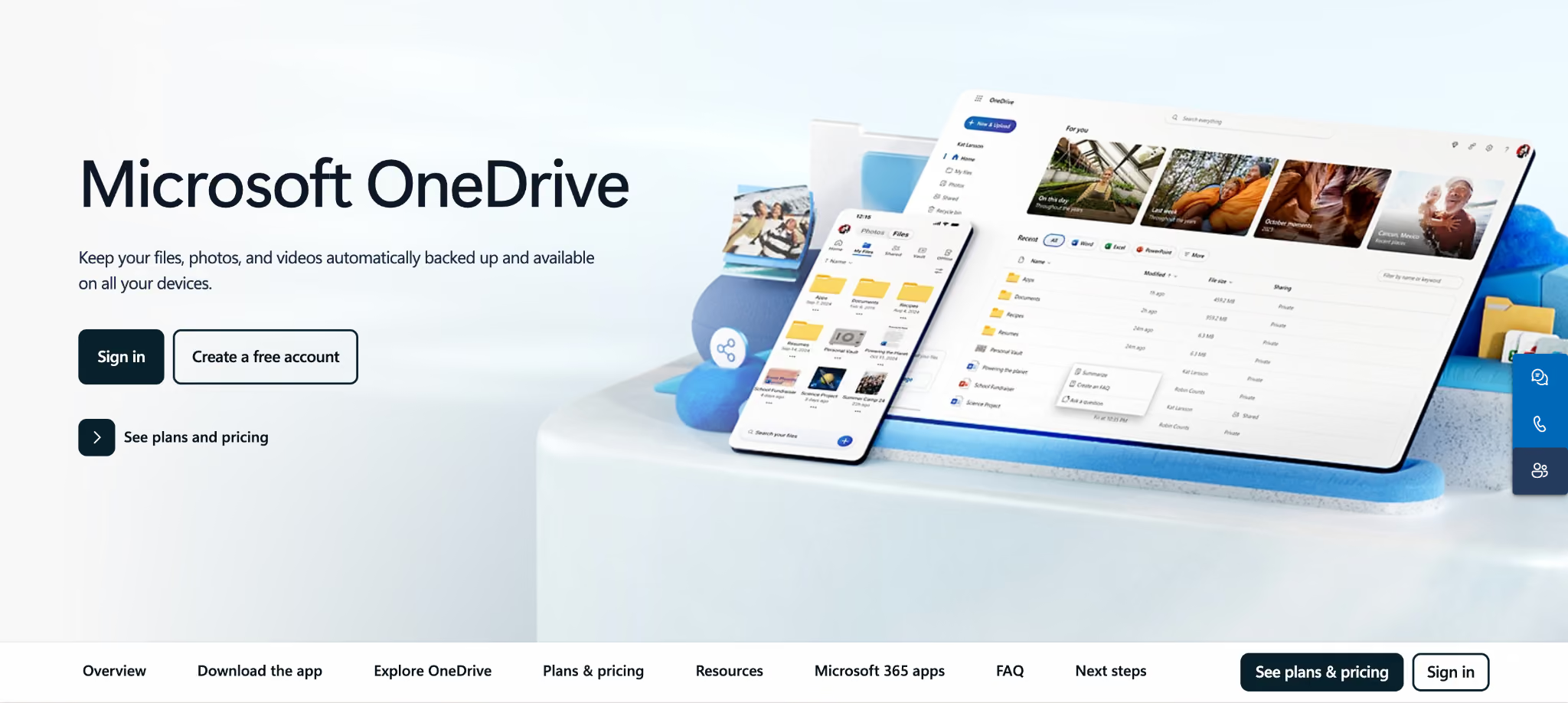
Microsoft OneDrive is a good choice for startups already using Word, Excel, PowerPoint, Outlook, or Teams. You can store, edit, share, and restore files without leaving the Microsoft 365 ecosystem. This helps growing teams work together without having to learn new tools.
Best for
Startups who already use Microsoft 365 for documents, spreadsheets, presentations, email, and team communication.
Why OneDrive is an alternative to Google Drive?
- Edit Word, Excel, and PowerPoint files together
- Get 1 TB of storage per user
- Share files with clients outside the company
- Protect links with passwords or expiration dates
- Restore deleted files and earlier versions
- Access cloud files without filling device storage
Limitation
OneDrive works best within Microsoft 365, so it may feel too complex for startups that do not use Microsoft tools.
3. Dropbox Business (Best Google Drive alternative for sharing files with clients)
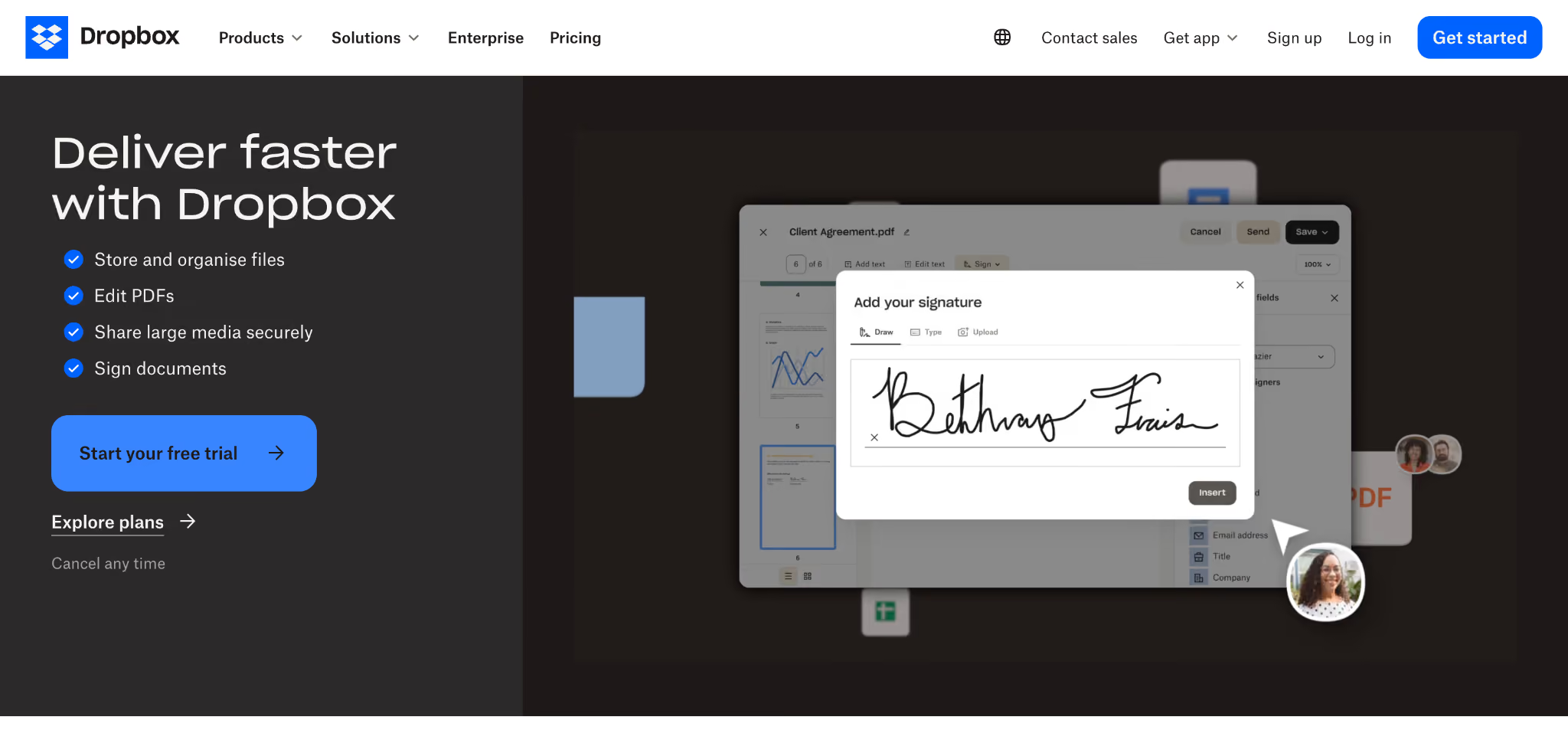
Dropbox Business helps startups manage all client files in one place. Teams can collect files, send large deliverables, request signatures, and share content with their own branding. Clients can upload files without needing a Dropbox account, making projects smoother.
Best for
Agencies, creative startups, and service businesses who often exchange large files and approvals with clients.
Why Dropbox Business Is an Alternative to Google Drive?
- Collect client files without requiring an account
- Send transfers as large as 100 GB
- Add passwords and expiration dates
- Brand shared links with a company logo
- Track when recipients download a transfer
- Request and manage electronic signatures
Limitation
Dropbox Business needs at least three licenses, which might be too much for a solo founder or a two-person startup.
4. pCloud Business (Best Google Drive alternative for team storage)
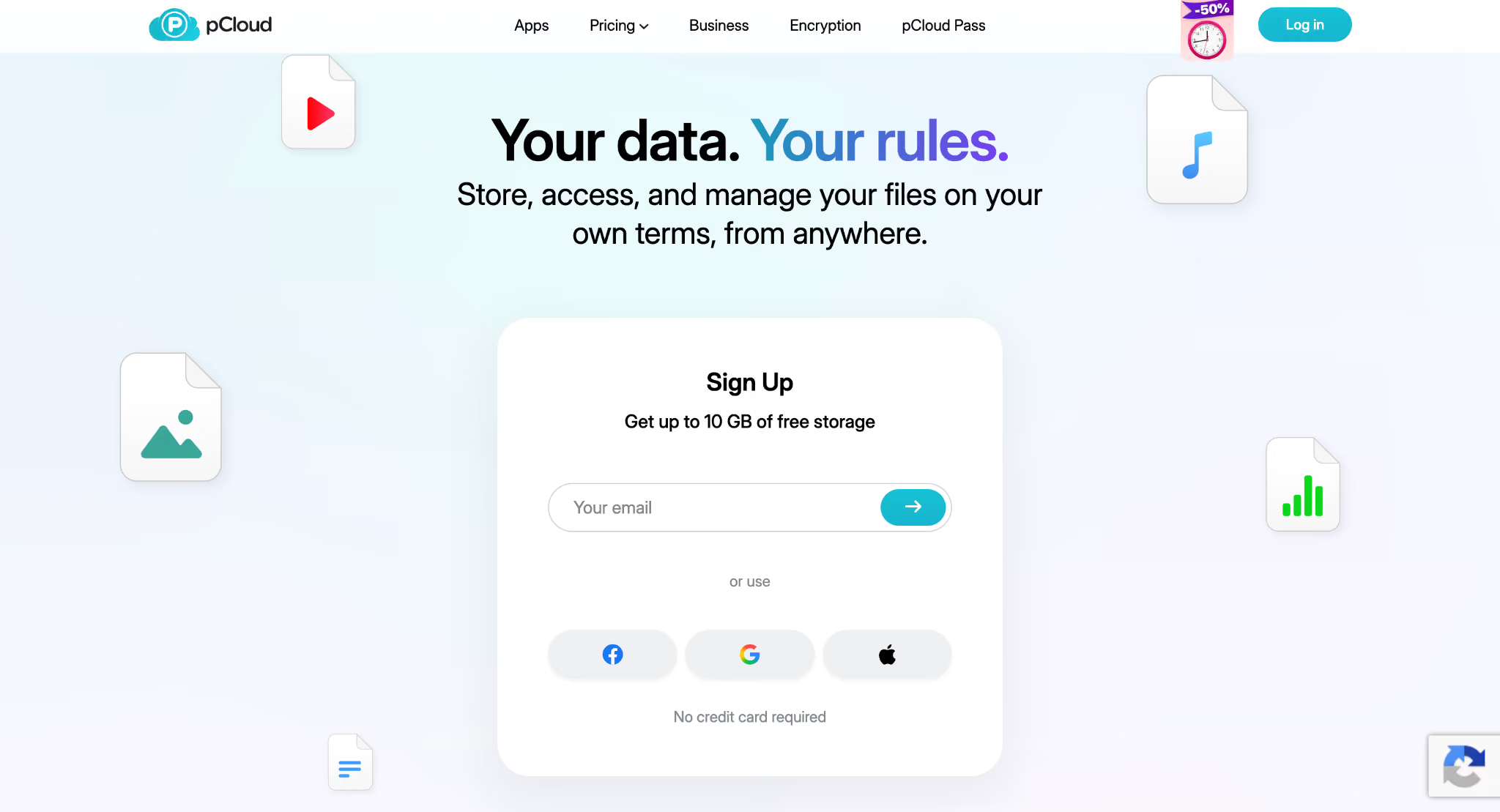
pCloud Business gives small teams secure shared storage without the complexity of a full productivity suite. It offers client-side encryption, unlimited file-size uploads, branded sharing links, team permissions, and extended file recovery. Its virtual drive lets users work with cloud files without using up laptop storage.
Best for
Remote startups and creative teams who store large files and want simple access controls with strong privacy.
Why pCloud Business Is an Alternative to Google Drive?
- Upload files without a file-size limit
- Secure sensitive folders with client-side encryption
- Share branded links with clients
- Set different access levels for employees
- Restore file versions from the past 180 days
- Use cloud files without filling local storage
Limitation
pCloud does not offer a full set of built-in document, spreadsheet, and presentation editors for live teamwork.
5. Proton Drive (Best Google Drive alternative for privacy-conscious businesses)
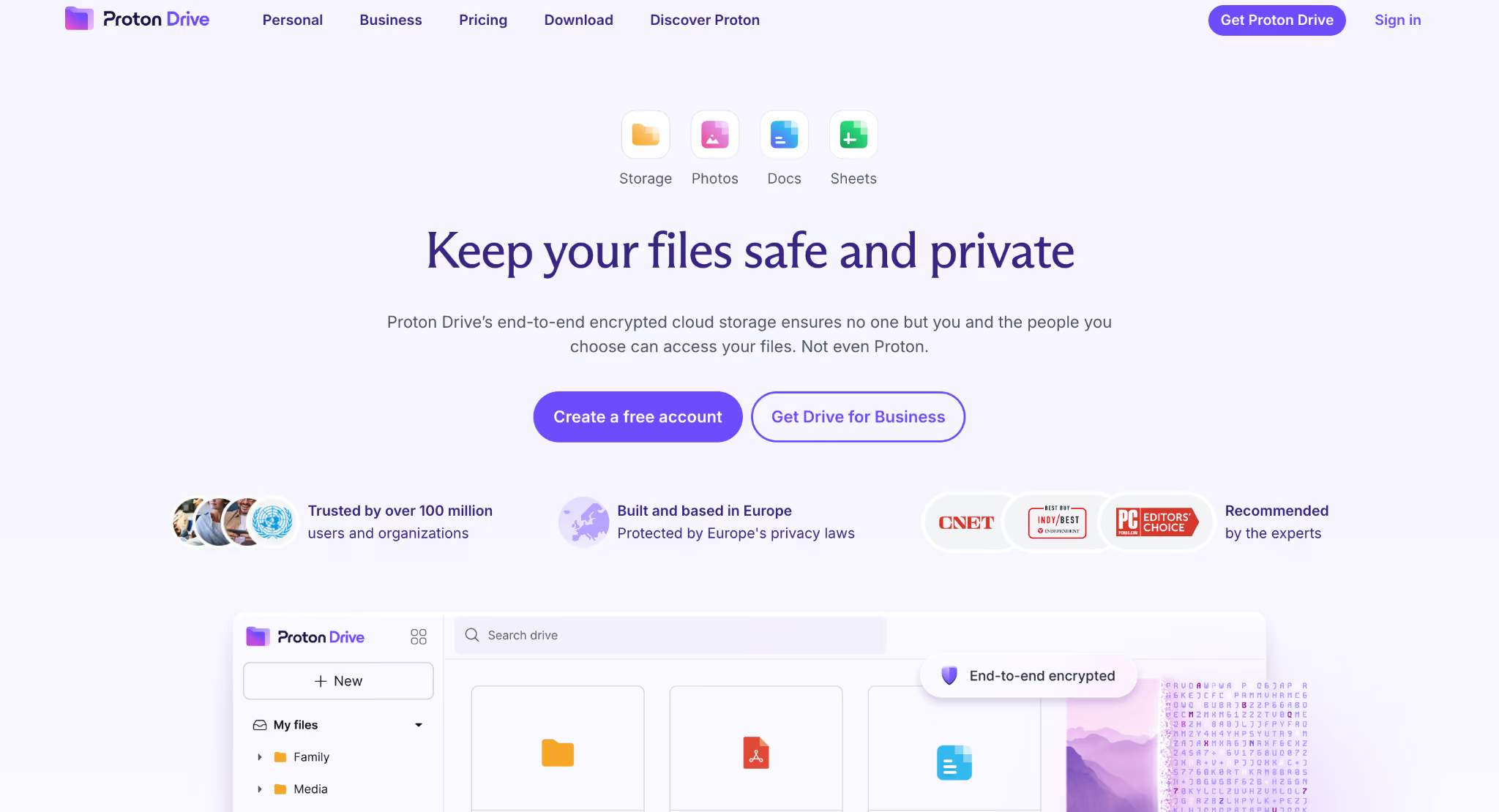
Proton Drive is made for startups that need to take privacy seriously. Files, documents, spreadsheets, and shared data are end-to-end encrypted by default. Teams can use Proton Docs and Sheets, work with external users, and control access without exposing sensitive business information to the platform.
Best for
Startups who process sensitive customer data, contracts, financial records, healthcare information, or confidential investor documents.
Why Proton Drive Is an Alternative to Google Drive?
- Encrypt files before they reach the cloud
- Create private documents and spreadsheets
- Collaborate with clients without requiring an account
- Protect links with passwords and expiration dates
- Track downloads and revoke shared access
- Store and share files without size limits
Limitation
Proton Drive works with fewer third-party business integrations than Google Drive or Microsoft OneDrive.
How to choose the best Google Drive alternative for your small business?
There are a few things to check before choosing the right Google Drive alternative for your small business.
Check how file ownership is handled
Make sure business files stay with the company when an employee leaves. Some platforms make it easier to transfer ownership and remove accounts than others.
Calculate the full cost
Look at minimum user requirements and paid add-ons, not just the advertised price. Email, encryption, e-signatures, or extra storage might cost more on top.
Review external sharing controls
Look for passwords, expiry dates, download restrictions, and access removal. These controls help protect files you share with clients, freelancers, and partners.
Understand file recovery
See how long deleted files and older versions can be recovered. A longer recovery window can help prevent accidental edits or deletions from causing big problems.
Confirm migration options
Check if you can easily transfer your existing folders, permissions, and file formats. A complicated migration can interrupt work and waste valuable time.
Test your existing workflow
Make sure the platform works with the email hosting provider, office apps, and client tools you already use. Poor integrations can create more manual work instead of making things easier.
Pro tip: Before moving your files, try out the new platform with a few folders first. This helps catch file-format, permission, and client-access issues before you move everything from Google Drive.
Conclusion
There is no one Google Drive alternative that fits every small business. Neo Drive is good for businesses that want files and professional email in one place. OneDrive is a natural fit for Microsoft 365 users, Dropbox is strong for client sharing, pCloud is best for teams that need simple storage, and Proton Drive is better for privacy-focused businesses.
The best choice is the one that makes daily work easier without adding extra cost or complexity. Try it with a few real files first, then move everything once you know it functions for your team.
FAQs
1. What is the best alternative to Google Drive?
The best option depends on how your team works. Neo Drive is good for small businesses that want file management with professional email, while OneDrive, Dropbox, pCloud, and Proton Drive each meet different needs for collaboration, storage, and privacy.
2. What happens to shared links when you leave Google Drive?
Existing Google Drive links might stop working after files are moved or deleted. Update important links on your website, emails, and client documents before closing your old account.
3. Can a small business move away from Google Drive gradually?
Yes. Start with a few folders or one team before moving everything. You can try Neo Drive with everyday files like proposals, invoices, and client documents before moving everything over.
4. Which sharing controls matter most for client files?
Look for password protection, expiry dates, access removal, and tracking for views or downloads. Neo Drive is helpful when professional sharing links and file activity are more important than advanced document editing.
5. Is it better to choose storage alone or a wider business suite?
Storage alone might be enough for teams that already have their software set up. A wider suite like Neo Business Suite can make more sense if your email, files, bookings, and other business tools are spread across several platforms.
Get Business Email
No domain name required
