



.svg)
.svg)
.svg%201.svg)



Get Business Email
No domain name required

Cheap email hosting gives small businesses a professional address without the cost of a full productivity suite. However, prices, storage, domain requirements, and included features can vary widely between providers.
This guide compares five cheap email hosting providers: Neo Mail, Zoho Mail, IONOS, Spacemail, and Greatmail. We look at their starting prices, storage, free trials, domain options, and key features to help you find the right service for your business.
Best cheap email hosting providers: Quick summary
Prices were checked in September 2026. Introductory prices, available plans, taxes, billing terms, and renewal rates may vary by region.
What is email hosting?
Email hosting is a service that lets you send and receive email using a domain you own or obtain through the provider. Instead of using an address such as yourbusiness@gmail.com, you can create an address such as hello@yourbusiness.com.
Free business email hosting normally includes mailbox storage, spam filtering, security controls, webmail, mobile access, and tools for managing users. Some email hosting providers also bundle a domain, calendar, website builder, or other business tools.
What makes email hosting cheap?
The lowest advertised price does not always produce the lowest total cost. When comparing cheap email hosting providers, look at:
- The price per mailbox
- The required billing term
- Renewal pricing after an introductory offer
- The number of mailboxes included
- Mailbox storage
- Whether a domain is included
- The cost of adding users
- Features you would otherwise buy separately
For example, a free email plan can still require you to purchase a domain. A plan that includes email, a domain, and a website may cost more than a basic inbox but save more overall.
How much can cheap email hosting save?
Compared with Google Workspace Business Starter at $7 per user per month, these cheap email hosting providers can save businesses between $60 and $75 per mailbox each year.
5 Best cheap email hosting providers for small business
Here are five affordable email hosting providers compared based on pricing, storage, domain options, features, and free trial
1. Neo Mail

Neo Mail is the best cheap email hosting provider overall for small businesses that want to get online without assembling several separate services. It combines professional email with a free domain option, a free AI website builder, and practical tools for handling customer communication.
If you already own a domain, you can connect it to Neo Mail. If you do not own a domain, you can choose an available domain during setup. This removes the need to buy a domain elsewhere or manually connect several services before creating your first business address.
Why Neo Mail is affordable?
Neo Mail plans start at $1.25 per mailbox per month on eligible billing terms. The Starter plan includes 15 GB of mailbox storage. A small business can also avoid the separate cost of a domain and website builder by using the options included with its plan.
This makes Neo Mail particularly useful for freelancers, consultants, small business, and new companies that need more than a basic inbox but do not need a large office suite.
Key Neo Mail features
- 15-day free trial
- Custom business email using an existing domain or an included domain
- Free AI website builder
- Neo Drive for storing, organizing, and sharing business files
- Email backup for protecting and restoring important messages
- You can connect ChatGPT to Neo Mail or connect Claude to your Neo Mail to work with your inbox using AI.
- Read receipts and link tracking
- Appointment booking and calendar tools
- Email campaigns and an email designer
- Invoice builder
- Two-factor authentication and advanced spam protection
- Email apps for desktop, Android, and iOS
Best for
Neo Mail is the best business email provider for small businesses that want affordable email hosting, easy setup, and tools that help them create a professional online presence and manage customer conversations.
Things to consider
Neo Mail offers a 15-day free trial to explore its features before choosing a plan. Businesses can select an available free domain or connect a custom domain they already own. Longer billing terms can also reduce the monthly cost.
2. Zoho Mail
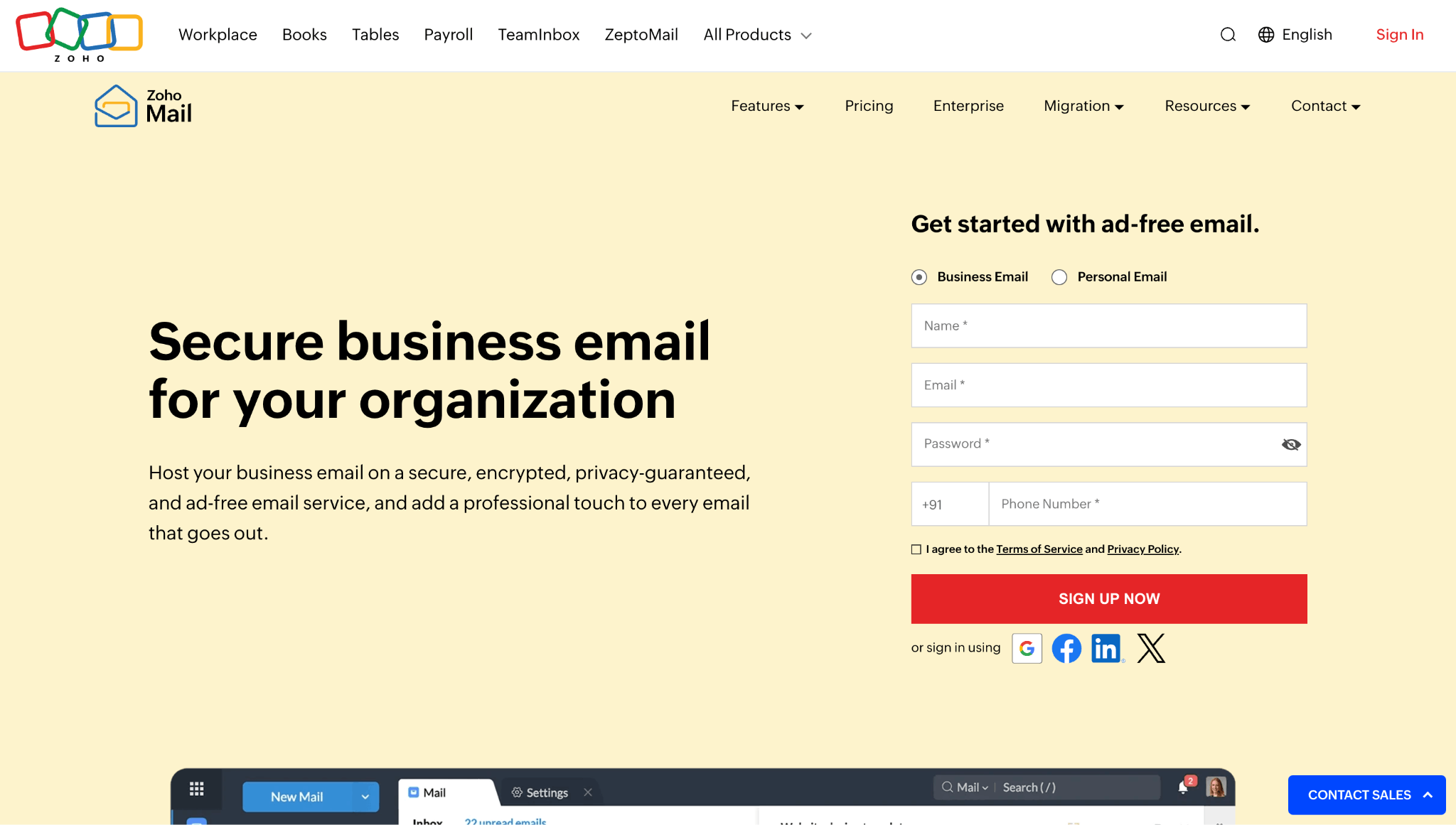
Zoho Mail is an established hosting provider with a free plan available in select data centers. The free plan supports one custom domain, up to five users, and 5 GB of storage per user.
Zoho Mail is a good fit if you already own a domain and only need basic web-based email. It is also useful for businesses that may later adopt other Zoho products, including its CRM, document, and collaboration tools.
Why Zoho Mail is affordable?
Eligible teams can use the free plan without paying for mailboxes. Zoho's Mail Lite plan starts at $1 per user per month when billed annually, making its paid email hosting affordable as well.
Key Zoho Mail features
- Custom email for one domain on the free plan
- Up to five free users in eligible regions
- 5 GB of storage per user on the free plan
- Ad-free webmail
- Calendar and task tools
- Mobile apps
- Two-factor authentication
- Paid plans with IMAP and POP access
Best for
Zoho Mail is best for small teams that already own a domain, qualify for the free plan, and are comfortable using Zoho's webmail.
Things to consider
The free plan is not available in every region. It also excludes IMAP, POP, and ActiveSync, so users cannot connect the free mailbox to many external email apps. If you upgrade to a paid plan, every user is billed at the selected rate.
3. IONOS
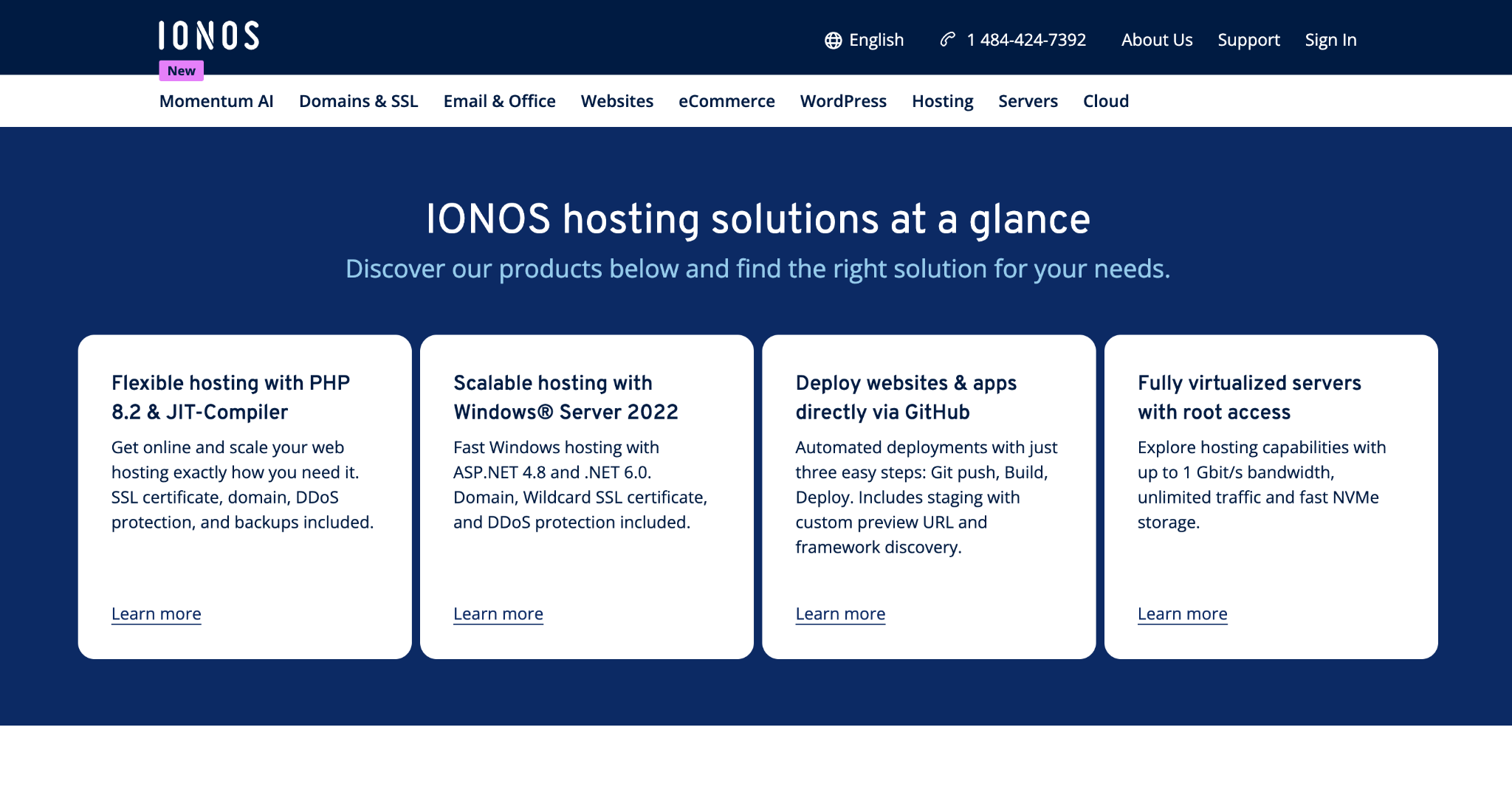
IONOS combines business email with a free custom domain. Its entry plan starts at $1.10 per month with a three-year term and includes one email account with 2 GB of storage.
The setup is aimed at solo business owners who need one professional email address and do not expect to store a large volume of email. IONOS also provides webmail, spam filtering, email forwarding, and support for external email clients.
Why IONOS is affordable?
The introductory price includes both the mailbox and domain. That can reduce the first-year cost for someone who has not registered a business domain yet.
Key IONOS features
- One mailbox with 2 GB of storage on the entry plan
- Free custom domain
- Webmail access
- IMAP, POP, and SMTP support
- Spam filtering
- Email forwarding
- Email migration tool
- 24-hour customer support
- Optional AI email assistant
Best for
IONOS is best for solo business owners who need one simple mailbox, want a standard custom domain, and are comfortable making a longer commitment.
Things to consider
The $1.10 rate requires a three-year term and renews at a higher rate. The entry plan's 2 GB mailbox can also feel limited if you regularly receive large files or keep years of email.
4. Spacemail

Spacemail is a simple email hosting provider for solopreneurs and small businesses that already own a domain. Its Pro plan starts at $0.79 per month with a two-year term and includes one mailbox with 5 GB of storage.
The service combines a clean inbox with a calendar, email aliases, spam protection, two-factor authentication, and an AI email assistant. Businesses can connect a domain registered with Spaceship or another domain provider.
Why Spacemail is affordable?
The Pro plan costs $18.88 for two years, which works out to $0.79 per month. It also includes a 30-day free trial. Businesses that need more users can choose plans that include three or five mailboxes or add mailboxes separately.
Key Spacemail features
- One mailbox with 5 GB of storage on the Pro plan
- Ten email aliases
- Email and calendar for your domain
- Two-factor authentication
- Spam protection
- AI email assistant
- Support for domains from other registrars
- 30-day free trial
Best for
Spacemail is best for solopreneurs that already own a domain and want a clean, inexpensive business inbox.
Things to consider
The lowest price requires a two-year payment, and the entry plan includes only one mailbox. A domain is not included, so businesses starting without one must purchase it separately. Neo Mail may offer better overall value for a new business that also needs a domain and website.
5. Greatmail
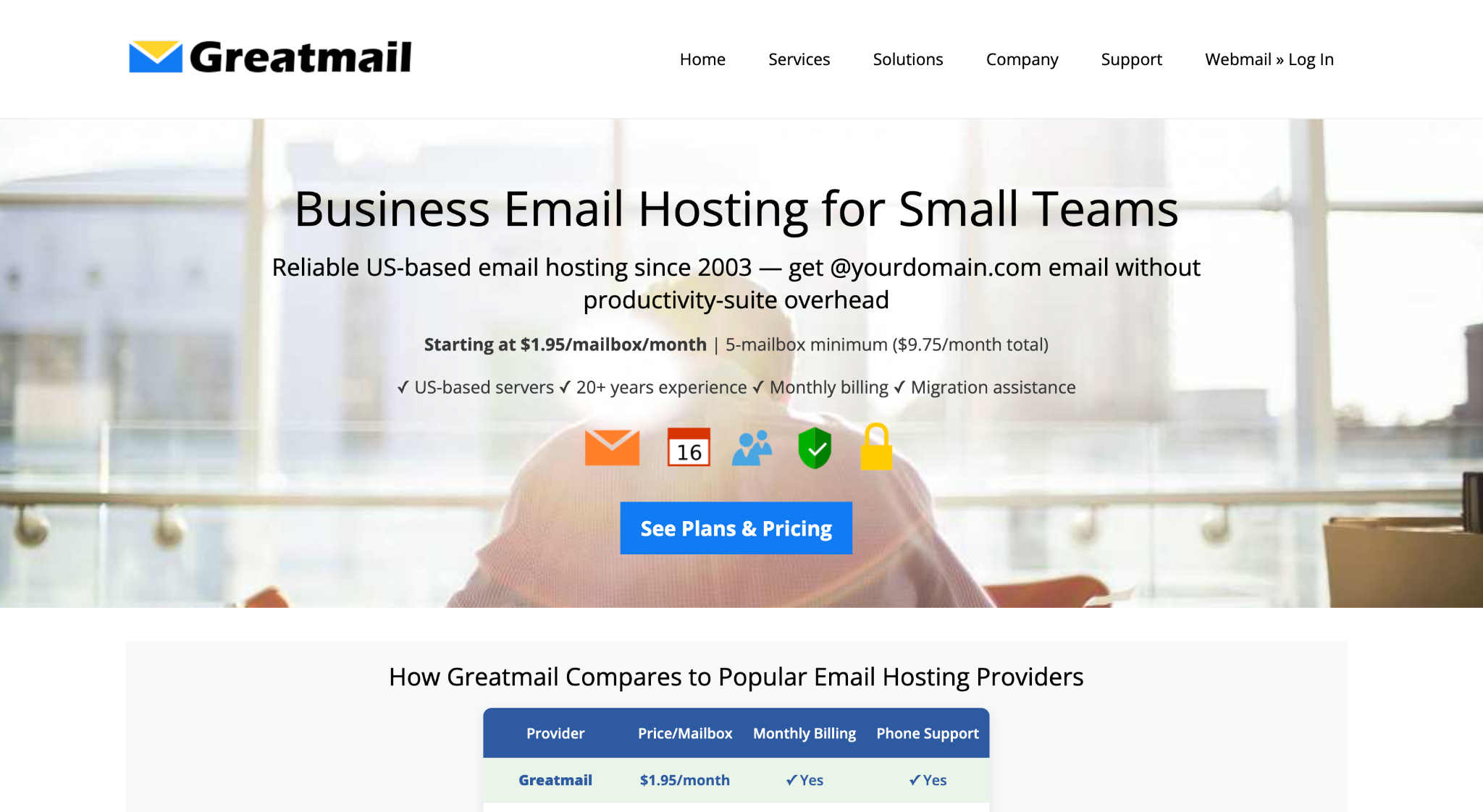
Greatmail focuses specifically on business email hosting. Its Standard Edition starts at $1.95 per mailbox per month with 10 GB of storage, but businesses must purchase at least five mailboxes.
Greatmail stands out for migration assistance and access to people who specialize in email infrastructure. It can be a practical option for established small teams that care more about dependable email and direct support than bundled productivity apps.
Why Greatmail is affordable?
Greatmail charges for email infrastructure rather than a broad office suite. A five-person team pays $9.75 per month for five 10 GB mailboxes on the Standard Edition.
Key Greatmail features
- 10 GB or 25 GB standard mailboxes
- IMAP, POP, and SMTP support
- Multiple domain management
- Spam and virus protection
- SPF, DKIM, and DMARC setup guidance
- Migration assistance
- Admin control panel
- Phone support for administrators during business hours
- Optional calendar and contact tools on Groupware plans
Best for
Greatmail is best for teams with at least five users that want dedicated email hosting, migration help, and access to specialized support.
Things to consider
The five-mailbox minimum makes Greatmail less economical for freelancers and very small teams. It also does not include a domain or the broader business tools offered by Neo Mail.
Which cheap email hosting provider should you choose?
Choose the provider that matches what you already have and what you still need:
- Choose Neo Mail if you want the best overall value, easy setup, a free domain option, a free AI website builder, and customer communication tools.
- Choose Zoho Mail if you already own a domain and qualify for its free plan.
- Choose IONOS if you want one basic mailbox with a standard domain and do not mind a multiyear term.
- Choose Spacemail if you already own a domain and want a simple, low-cost inbox for one person.
- Choose Greatmail if you need five or more mailboxes and value specialist migration and email support.
For most new small businesses, Neo Mail offers the strongest overall package. Its starting price is low, and the included domain and website options remove two common setup costs. The additional email tools also make it more useful for customer communication than a basic low-cost mailbox.
How to choose a cheap email hosting provider?
Before signing up, answer these five questions:
- Do you already own a domain? If don’t own a custom email domain, compare providers that include one. Neo Mail offers a domain, while IONOS includes a selection of standard domain extensions with eligible plans.
- How many mailboxes do you need? Per-user pricing works well for very small teams, while bundled or minimum mailbox pricing may be better for larger groups.
- How much storage will each person use? A 2 GB inbox can work for light use, but 10 GB to 15 GB is more comfortable for businesses that exchange files regularly.
- Which tools do you need besides email? Templates, tracking, booking, campaigns, and a website builder can reduce the need for extra subscriptions.
- What will the plan cost at renewal? Always check the renewal rate and required term, not only the introductory monthly figure.
Final Conclusion
There is no single cheapest option for every business. Zoho Mail can cost nothing for an eligible team that already has a domain, IONOS offers a low introductory bundle, Spacemail provides a simple inbox for domain owners, and Greatmail offers good value for teams that want dedicated email support.
However, Neo Mail is the best cheap email hosting provider overall for small businesses in 2026. Starting at $1.25 per mailbox per month on eligible billing terms, it brings together business email, an easy setup process, a free domain option, a free AI website builder, and practical communication tools in one place.
Cheap email hosting FAQs
What is the best cheap email hosting provider for small businesses?
Neo Mail is the best cheap email hosting provider for most small businesses because plans start at $1.25 per mailbox per month on eligible billing terms and include professional email, 15 GB of storage, a free domain option, a free AI website builder, and tools such as templates, read receipts, follow-up reminders, and appointment booking.
What is the cheapest email hosting provider?
Zoho Mail can be the cheapest option if its free plan is available in your region and you already own a domain. If you need email hosting plus a domain and website, Neo Mail can provide better overall value because both are available with its email plans.
Can I get email hosting without owning a domain?
Yes. Neo Mail lets you create business email using an available domain included with eligible plans. IONOS also includes a domain with its business email plans. Most other email hosting providers require you to purchase or connect a domain separately.
Is cheap email hosting reliable enough for a business?
Yes. Affordable email hosting can include spam protection, two-factor authentication, domain authentication, mobile apps, and dependable mailbox access. Compare security, support, storage, renewal pricing, and backup options instead of judging a provider by price alone.
How much does business email hosting cost?
Basic business email hosting commonly costs between $1 and $5 per mailbox per month. Free plans may be available, but they often require an existing domain or restrict storage, external email apps, and business features.
What is the difference between email hosting and web hosting?
Email hosting manages mailboxes and messages for your domain. Web hosting stores the files used to run a website. Some companies sell both services, but you can use separate providers for your website and email.
Get Business Email
No domain name required
